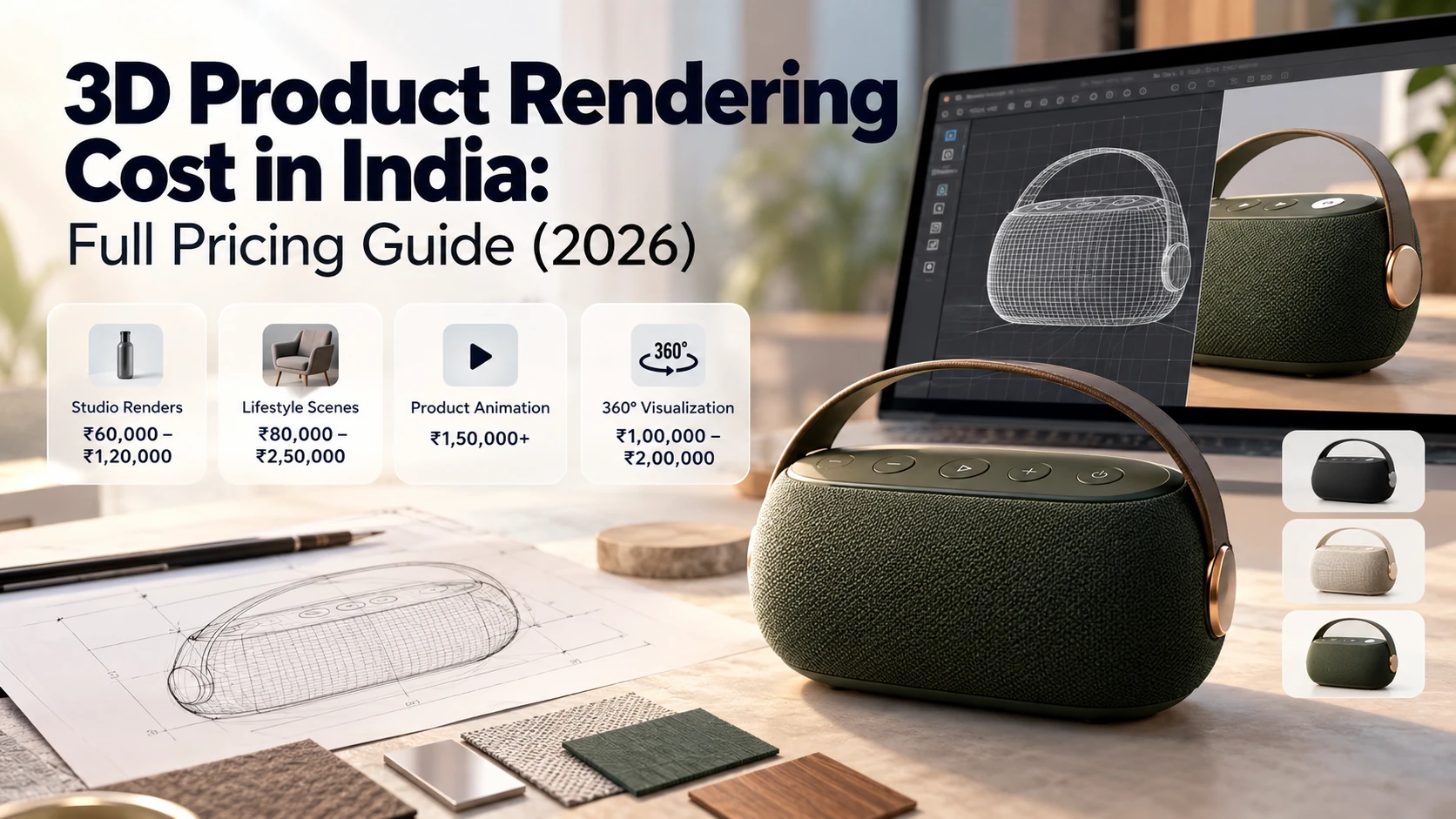
For equipment manufacturers, showing exactly how a machine works — its components, its motion, its internal mechanisms — is often more important to a buyer's decision than any spec sheet. Photographing a physical machine rarely tells that story well: moving parts are hidden inside housings, internal components aren't visible at all, and a static photo can't show a process happening over time. 3D visualization solves this directly, letting you show a machine exactly as it functions, from any angle, including views that would be physically impossible to capture with a camera.
Why 3D Visualization Matters Specifically for Industrial Machines
Internal components are usually invisible. Most of what makes a machine valuable — the mechanism, the moving parts, the engineering — is hidden inside a housing. A 3D visualization can show a cutaway or exploded view that reveals exactly what's happening inside, something no photograph can do without physically disassembling the equipment.
Motion is central to understanding function. A machine's value often lies in what it does, not just what it looks like sitting still. Animation can show a process in motion — a cycle, a sequence of operations — in a way a static image fundamentally can't.
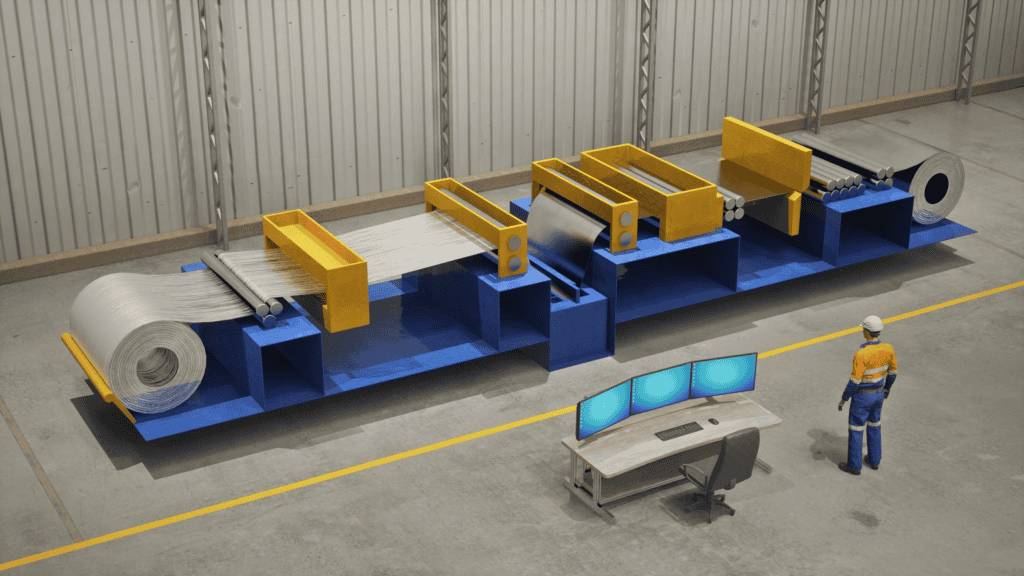
Pre-manufacturing visualization. For equipment still in development or not yet built, 3D visualization can show what the finished product will look like and how it will function, supporting everything from investor presentations to pre-orders before physical production begins.
Technical accuracy matters more than in most other rendering categories. Unlike a lifestyle product render, an industrial machine visualization often needs to be dimensionally and functionally accurate — sales, engineering, and training materials all depend on the visualization actually representing how the machine works, not just how it looks.
One asset, many uses. A well-built 3D model of a machine can generate marketing renders, technical documentation diagrams, training materials, and trade show visuals from the same underlying source — a level of reuse that photography simply can't offer.
What This Typically Includes
Static renders — high-quality still images from key angles, often used in spec sheets, catalogs, and marketing materials
Exploded views — showing individual components separated in space, commonly used in technical documentation and assembly/service guides
Cutaway views — revealing internal mechanisms without full disassembly of the model
Animated sequences — showing the machine in operation, a specific process cycle, or an assembly/installation sequence
Interactive 3D models — increasingly used on product pages or in sales presentations, letting a viewer rotate and explore the machine themselves rather than watching a fixed video
The Process, Step by Step
1. Gather technical source material. CAD files or detailed engineering drawings are the ideal starting point — the more accurate and complete the source data, the more accurate (and often faster to produce) the final visualization.
2. Define the objective. A visualization built for a trade show display, a technical training manual, and a sales landing page each have different priorities — clarify this before modeling starts, since it shapes camera angles, level of detail, and whether animation is needed.
3. 3D modeling. Building the machine's geometry, ideally from CAD data rather than modeling from scratch, which preserves engineering accuracy.
4. Materials and texturing. Applying realistic surface properties — metal finishes, plastic components, glass, rubber — so the visualization reads as genuinely three-dimensional and material-accurate, not like a generic gray model.
5. Lighting and rendering. Setting up lighting appropriate to the context — studio-style lighting for a clean product shot, or environmental context if the machine is shown in a factory or field setting.
6. Animation, if needed. Choreographing motion — a working cycle, an assembly sequence, a cutaway reveal — with attention to actually representing how the machine functions, not just producing visually interesting movement.
What It Costs
Pricing varies significantly by machine complexity and deliverable type — as a general 2026 guide (confirm current rates directly):
Deliverable | Typical Range |
|---|---|
Static render, single machine (few angles) | $800 – $3,000 |
Exploded/cutaway technical view | $1,500 – $5,000 |
Animated operational sequence (30-90 seconds) | $3,000 – $12,000 |
Interactive 3D model (web-embeddable) | $4,000 – $15,000+ |
Cost is driven primarily by the complexity of the machine (number of parts, moving components), whether animation is required, the level of technical accuracy needed, and how many deliverable formats are needed from the same source model.
What to Provide a Studio
CAD files or detailed technical drawings — this is the single biggest factor in both accuracy and cost. Modeling from photographs or general descriptions alone is possible but takes longer and introduces more room for inaccuracy.
A clear sense of what needs to be shown. Does the visualization need to reveal internal mechanisms? Show a specific operational cycle? Simply present the exterior for a catalog? Being specific here shapes the entire project scope.
Material and finish specifications — what the actual components are made of, and any specific branding or color requirements.
Where the final asset will be used — a trade show display, a product page, a technical manual, or a sales presentation each may have different resolution, format, and interactivity requirements.
Common Use Cases
Product marketing and catalogs — showing equipment clearly without expensive on-site photography, especially useful for large or difficult-to-photograph machinery
Technical documentation and training — exploded and cutaway views support service manuals and technician training far more effectively than photography
Trade show and sales presentations — an animated visualization can demonstrate a machine's function without needing the physical unit present
Pre-manufacturing marketing — for equipment still in development, showing the finished product to secure early interest or investment
Getting Started
The fastest way to get an accurate quote is to have your CAD files or technical drawings ready, along with a clear sense of what the visualization needs to communicate and where it will ultimately be used.
Ready to discuss a visualization project for your equipment? [Get a Quote →]
📞 +91-9910911696 | +91-9910660851
📩 info [@] chasingillusions [.] in
Written by Deepak, content strategist at Chasing Illusions Studio. Our clients include Hindalco, Ernst & Young (EY), BinBase, Dozr, Equipment Wallet, Venwind, Healmate, Badacare, and 100+ brands across India, USA, Thailand, and the UK.
Chasing Illusions Studio
Premium animation & video production studio based in Delhi, India. Specialising in 3D animation, medical visualisation, architectural walkthroughs, and CGI.