

The US eLearning market is large and varied, and "eLearning production company" can mean several very different things — from the software platform that hosts your courses, to the agency that designs them, to the studio that produces the animation and video inside them. Choosing the right partner starts with being clear about which of those you actually need.
This guide breaks down the types of eLearning providers, the well-known names in each category, a comparison and cost reference, and how to choose between them — including where animation and video production fit into an effective eLearning program.
What is eLearning production?
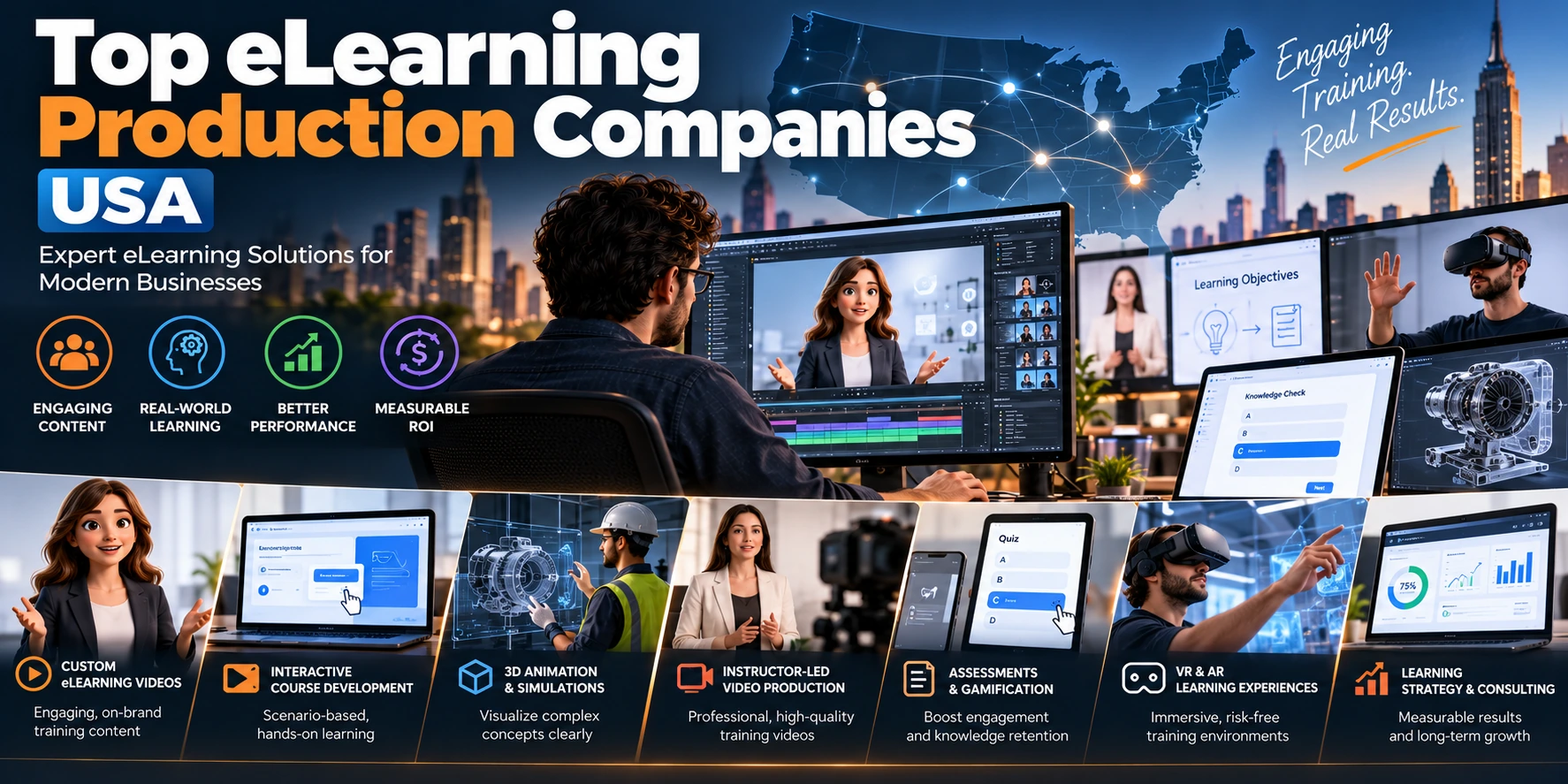
eLearning production is the creation of digital learning content and the systems that deliver it — course design, interactive modules, assessments, video and animation, and the platforms that host and track all of it. It spans three distinct layers: the platform (LMS) that delivers and tracks learning, the content (courses and instructional design), and the production (the video, animation, and visual assets inside those courses).
Knowing which layer you need is most of the battle — it determines whether you're shopping for software, a course-development agency, or a production studio.
Know what kind of partner you need
One of the most common mistakes in this space is treating "eLearning companies" as one category. They aren't. Broadly, there are three distinct types:
1. Learning Management Systems (LMS) / platforms. Software you license to host, deliver, and track courses — you're buying a tool. Examples: Docebo, Adobe Learning Manager, iSpring, Learning Pool.
2. Custom eLearning content agencies. Services that design and build courses — instructional design, structure, interactivity, assessments. You're buying a done-for-you product. Examples: ELM Learning, SweetRush, El Design, Aptara.
3. Animation and video production for eLearning. Studios that produce the visual content inside courses — explainer animation, 3D visualization, scenario and character animation, motion graphics. You're buying the production layer that makes learning content engaging.
Which are the main eLearning providers in 2026?
The comparison below groups providers by type, with their strengths as publicly profiled and what each is best suited to. We have not assigned ratings or rankings — those change and should be verified directly, so check each provider's current standing on independent review platforms (G2, Capterra, Clutch) yourself.
Provider | Type | Strength (as publicly profiled) | Best for | Animation/video production |
|---|---|---|---|---|
Chasing Illusions Studio | Animation/video production studio | 3D and 2D animation, explainer and technical training video, product/industrial/medical visualization | The visual content inside courses — especially technical, industrial, and medical training | Yes (core service) |
Docebo | LMS platform | AI-powered learning platform with content and skills management | Mid-size & enterprise LMS deployment | No (platform) |
Adobe Learning Manager | LMS platform | Enterprise LMS integrated with the Adobe ecosystem | Enterprises already using Adobe tools | No (platform) |
iSpring | Authoring + LMS | PowerPoint-based course authoring alongside an LMS | Teams authoring courses quickly in-house | No (platform/authoring) |
Learning Pool | LMS + content | Enterprise LMS combined with learning content services | Enterprise learning programs | Partial (content) |
ELM Learning | Content agency | Learning-experience-led custom eLearning design | Custom courses with strong instructional design | Partial (course media) |
SweetRush | Content agency | Custom learning solutions for large organizations | Large-scale custom learning programs | Partial (course media) |
El Design | Content agency | Custom eLearning and performance-support content | Custom courses and performance support | Partial (course media) |
Aptara | Content agency | Learning content and services at scale | High-volume content development | Partial (course media) |
The main LMS platforms
If you need a platform to deliver and track learning, the established US-market options include Docebo (AI-powered LMS for mid-size and enterprise), Adobe Learning Manager (enterprise LMS integrated with the Adobe ecosystem), iSpring (straightforward PowerPoint-based authoring alongside its LMS), and Learning Pool (enterprise LMS and learning content). These are software products; the right choice depends on your organization's size, technical needs, and budget. Verify current features and pricing on each provider's own site and on G2 or Capterra.
Custom eLearning content agencies
If you need courses designed and built, well-known US-market names for custom eLearning development include ELM Learning, SweetRush, El Design, and Aptara. We haven't ranked these — review each one's current portfolio and verified reviews on Clutch or G2 yourself, and ask for samples relevant to your industry and content type before deciding.
Where animation and video fit in
Well-designed visual content can help learners understand complex ideas — particularly when animation shows processes, mechanisms, or scenarios that are difficult to communicate through static slides. This is where animation and video production comes in, a distinct specialty from both LMS platforms and instructional-design agencies:
Explainer and 2D animation — for concepts, processes, and scenarios
3D animation and visualization — for technical, scientific, medical, or industrial subjects that are hard to show any other way
Character-based and scenario animation — for soft-skills, compliance, and situational training
Motion graphics — for data, infographics, and micro-learning
A studio specializing in animation for eLearning works alongside your LMS and your content team (or agency) to produce the visual assets that make complex material easier to follow. It's not a replacement for an LMS or an instructional-design agency — it's the production layer that makes their output engaging.
In our experience, technical training animation goes fastest and stays most accurate when the client can provide the right inputs up front: approved process diagrams, CAD files or equipment references, and a subject-matter expert available to review for accuracy. Technical and safety content in particular benefits from that review step, since a procedure shown incorrectly is worse than no animation at all.
How much does eLearning production cost?
Costs vary widely by layer and complexity. These are indicative market ranges to set expectations, not fixed quotes — confirm current pricing directly with any provider.
Layer / deliverable | Typical range | Notes |
|---|---|---|
LMS platform | Per-user or per-year subscription; varies widely | Confirm on provider's site; enterprise pricing is usually custom |
Custom course development (per hour of finished learning) | Several thousand to tens of thousands USD | Depends on interactivity, assessments, and media |
2D explainer / eLearning animation | Priced per finished minute | Rises with custom characters, scenes, and detail |
3D / technical training animation | Higher per finished minute | Complexity, modelling, and SME review drive cost |
For animation specifically, our own cost breakdowns are in how much 2D animation costs per minute and how much 3D renderings cost.
Typical production timeline
Timelines depend on scope — an LMS is a setup/configuration project, a custom course is a development project, and animation is a production project. As a rough guide for the animation/video layer:
Deliverable | Typical timeline |
|---|---|
Short explainer / module animation (1–2 min) | ~1–3 weeks |
Standard multi-scene course animation | ~3–5 weeks |
Complex technical/3D training animation | ~5–8 weeks |
These are typical ranges, not guarantees — the state of your source material (scripts, references, SME availability) affects them more than anything else.
How to choose the right partner
Match the provider type to your actual need. Don't evaluate an LMS against an animation studio — they do different jobs. Get clear on whether you need a platform, course design, visual production, or a combination.
Ask for category-matched examples. For an agency or studio, ask for work in your industry and content type.
Check verified reviews. Use G2 and Capterra for platforms, Clutch and G2 for agencies and studios. Consistent, verifiable feedback matters more than a self-published "best" list.
Confirm scope and process. For content and production partners, confirm what's included, revision rounds, timelines, and who reviews and approves.
Consider how the pieces fit together. Many organizations use all three layers — platform, content, and production. Make sure they integrate: the animation studio should deliver in formats your LMS and courses can use.
Warning signs to watch for
Generic, non-category-matched portfolios — impressive general work means little if none of it resembles your content type
Quotes that seem low but hide reduced scope — compare what's actually included
Unclear timelines — a provider should give a specific timeline tied to your project
"Unlimited revisions" — usually signals undefined scope, not generosity
Unverifiable claims — be cautious of providers advertising big-name clients, precise results, or ratings with no verifiable source. Ask for evidence; real work stands up to it.
Where Chasing Illusions Studio fits
To be clear about what we do and don't do: Chasing Illusions Studio is a 3D animation and visualization studio, not an LMS platform or a full-service instructional-design agency. Where we fit is the production layer — we produce explainer and 3D animation for eLearning, including technical, industrial, medical, and product training content that's difficult to convey through text or static slides.
If your course content covers a complex process, a piece of equipment, a scientific mechanism, or a technical procedure, that's the kind of subject where animation can communicate movement, sequence, and spatial relationships more clearly than static slides — and it's the kind of work we do, alongside your LMS and content team rather than replacing them.
To discuss animation or video for an eLearning project, see our services, view our portfolio on Behance, or get in touch.
Frequently Asked Questions
What's the difference between an LMS and an eLearning production company?
An LMS is software that hosts and tracks courses (Docebo, Adobe Learning Manager, iSpring). An eLearning production company builds the content — either the full course (a content agency) or the visual assets inside it (an animation/video studio). You may need one, two, or all three.
Do I need a content agency and an animation studio?
Not always. Some agencies produce their own visuals; some organizations have in-house instructional design and just need production help. It depends on your existing capabilities — the key is identifying which layer you're missing.
How do I choose an eLearning content agency in the US?
Look for a category-matched portfolio in your industry, verified reviews on Clutch or G2, a clear process, and relevant instructional-design expertise. Verify current capabilities directly rather than relying on a ranking.
Where does animation add the most value in eLearning?
For technical, scientific, medical, industrial, or process-heavy content — anything hard to show through text or static slides. Animation makes complex or abstract subjects concrete and easier to follow.
Can animation be integrated into an LMS?
Most major LMS platforms support standard video formats, though upload limits, supported file types, captions, and playback requirements vary. If you need interactive learning content or completion tracking, confirm whether your platform requires SCORM, xAPI, or another supported integration format before production.
How do I verify a provider's ratings? Check independent directories — G2 and Capterra for LMS platforms, Clutch for agencies and studios, Behance for creative portfolios. These carry real, user-submitted reviews, which are more reliable than any self-published ranking.
Chasing Illusions Studio
Premium animation & video production studio based in Delhi, India. Specialising in 3D animation, medical visualisation, architectural walkthroughs, and CGI.