Engineering drawings and CAD models can describe a machine's design, dimensions, and components. But how do you communicate what happens when those components begin working together?
A static model of an industrial gearbox, for example, can show the arrangement of gears, shafts, and bearings. However, explaining how rotational motion transfers between components requires an understanding of their mechanical relationships.
Technical animation addresses this communication challenge by using 2D and 3D animated visuals to explain how machinery, mechanical systems, engineering products, and industrial processes function.
It helps engineering and manufacturing teams demonstrate internal mechanisms, assembly sequences, equipment operations, and technical concepts in a structured visual format.
This guide explains what technical animation is, how it works, its different types, and how it supports engineering communication across manufacturing and industrial applications.
What Is Technical Animation?
Technical animation is a visual communication method that uses animated sequences to explain the structure, functionality, movement, assembly, and operation of engineering products, machinery, and technical systems.
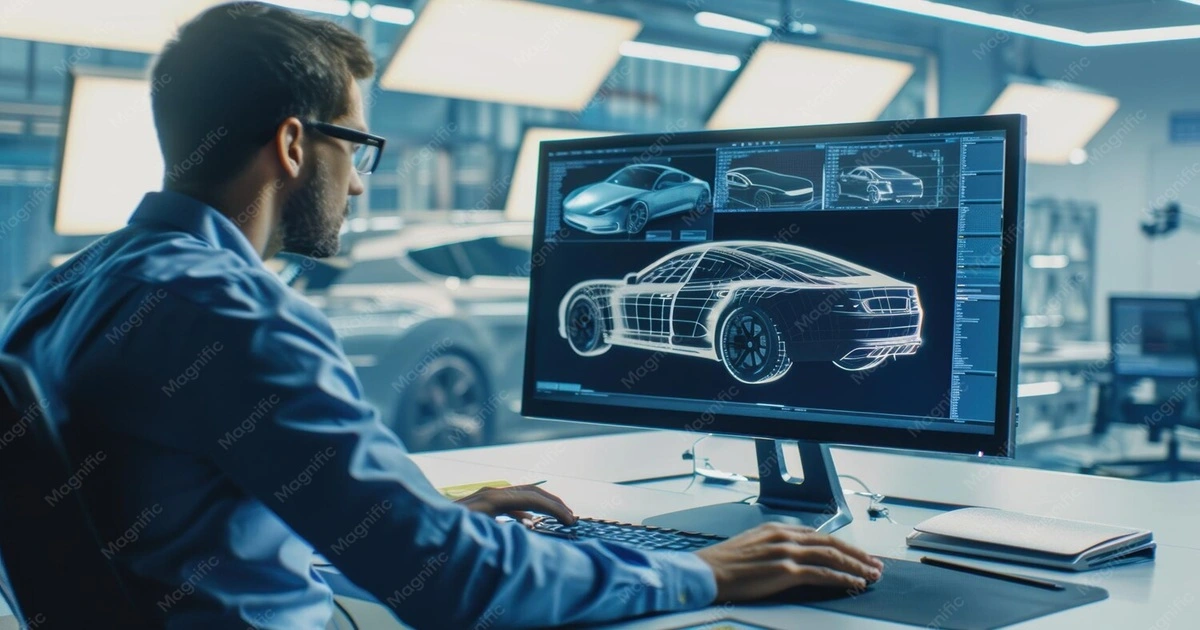
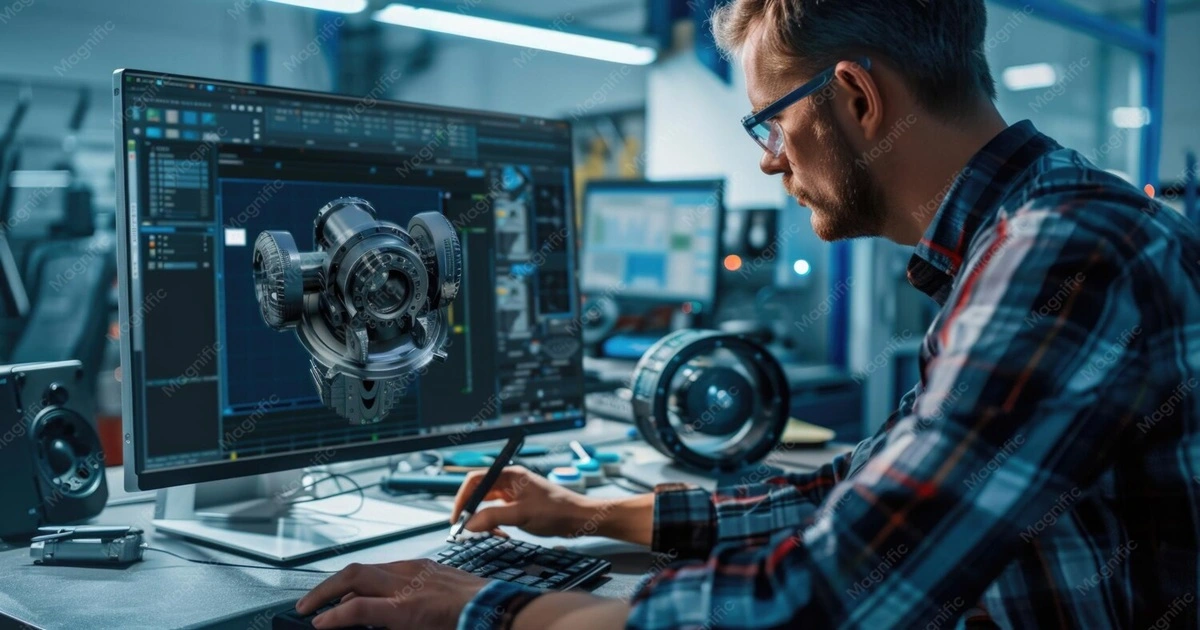
It translates engineering information—such as CAD models, mechanical drawings, product specifications, and operational documentation—into visual explanations that demonstrate how components interact and how systems function.
Technical animation may use 2D diagrams, 3D models, motion graphics, cutaway views, or exploded-view sequences, depending on the subject and communication objective.
Unlike animation created primarily to showcase a product's appearance, technical animation emphasizes mechanical relationships, operational sequences, and the accurate presentation of engineering concepts.
For example, consider an industrial gearbox. A CAD model can represent its housing, shafts, bearings, and gear arrangement. A technical animation can demonstrate how the gears rotate, how motion transfers between shafts, and how the components operate as an interconnected mechanical system.
The animation can also use a cutaway view to reveal internal components while preserving the context of the complete gearbox.
What Does Technical Animation Show?
Technical animation can communicate different aspects of an engineering product or industrial system, depending on the intended audience and purpose.
Mechanical relationships: How gears, shafts, pistons, bearings, and other components interact during operation.
Internal system functionality: How components inside machinery contribute to its overall working mechanism.
Assembly relationships: How individual parts are positioned, connected, and assembled into a complete mechanical system.
Operational sequences: How equipment performs specific functions through a series of coordinated movements.
Engineering design concepts: How proposed mechanisms and product configurations are intended to function.
Process behaviour: How materials, fluids, or energy move through equipment, using illustrative or engineering-validated visualizations as appropriate.
Maintenance and installation procedures: How equipment components are accessed, inspected, installed, removed, or reassembled.
The objective is not simply to animate a product but to communicate technical information in a way that preserves the relationships between components, movements, and operating stages.
For engineering and manufacturing teams, this provides an additional method of explaining system functionality alongside CAD models, engineering drawings, and technical documentation.
How Does Technical Animation Work?
Technical animation begins with understanding the engineering information that needs to be communicated. The production team reviews product specifications, mechanical drawings, CAD models, and operational references to identify the components, movements, and processes that must be explained.
Unlike a general visual demonstration, an engineering-focused animation requires attention to mechanical relationships, component positioning, movement sequences, and technical accuracy.
For example, when creating an animation of an industrial gearbox, the team must understand how the gears are arranged, how the shafts interact, and how rotational motion transfers through the mechanism before developing the animated sequence.
Although production requirements vary, a typical technical animation workflow involves the following stages.
Technical Animation Production Workflow
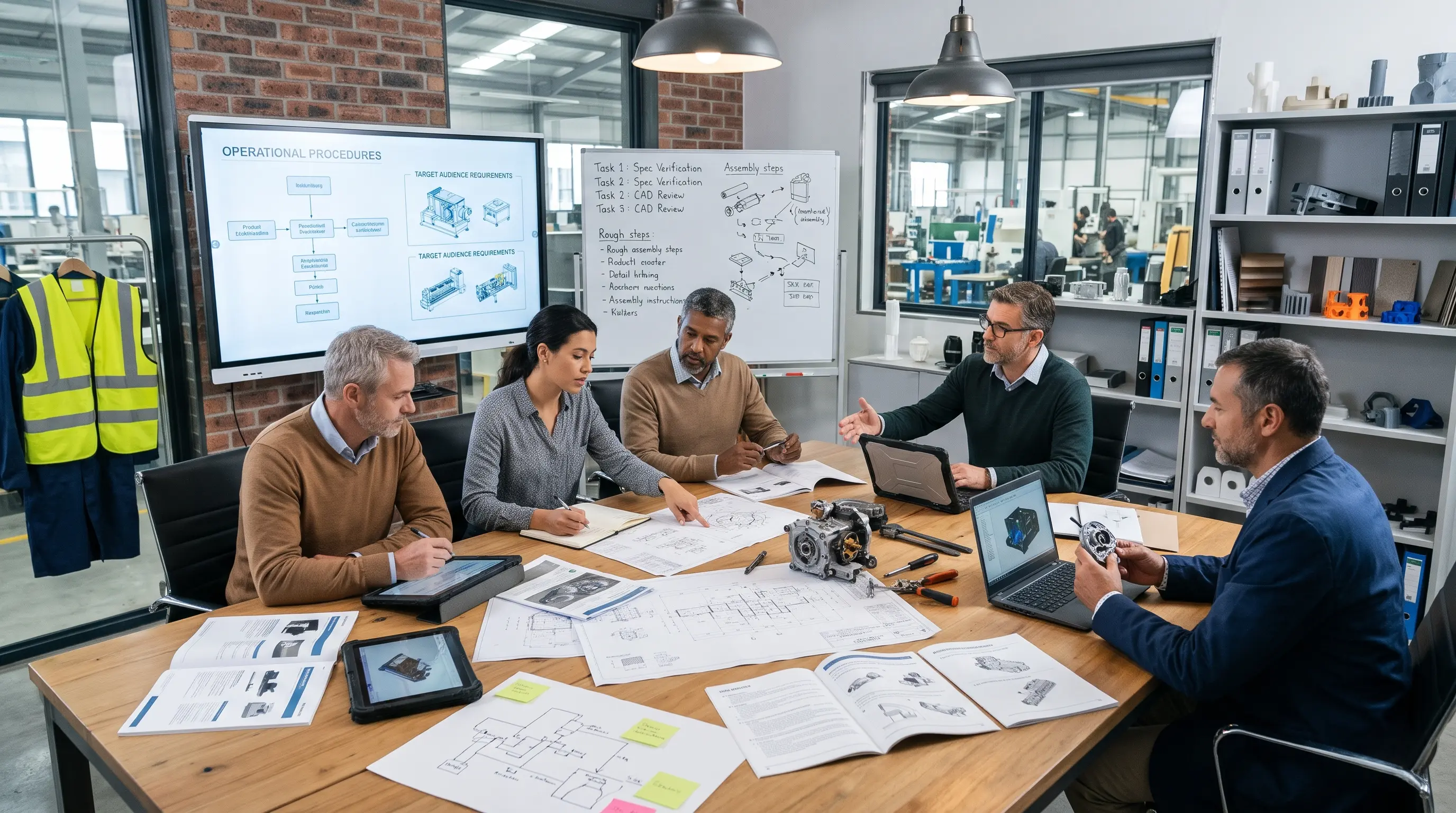
1. Technical Requirement Analysis
Key Activities: Review engineering objectives, product specifications, operational documentation, and intended audience
Engineering Purpose: Identify the technical information and mechanisms that must be explained
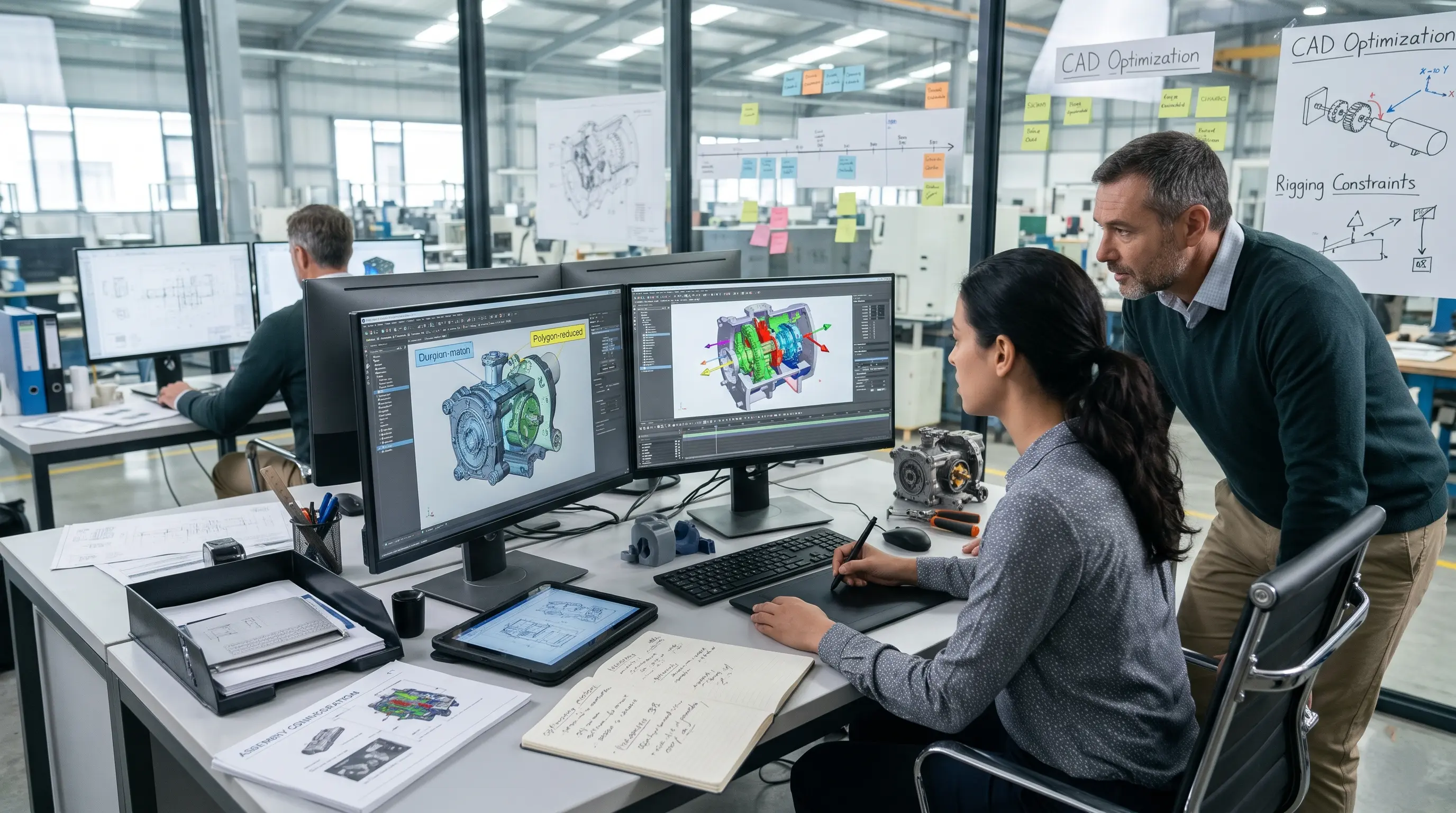
2. CAD and Engineering Reference Review
Key Activities: Examine CAD assemblies, engineering drawings, component geometry, and mechanical diagrams
Engineering Purpose: Understand product structure, component relationships, and available technical references
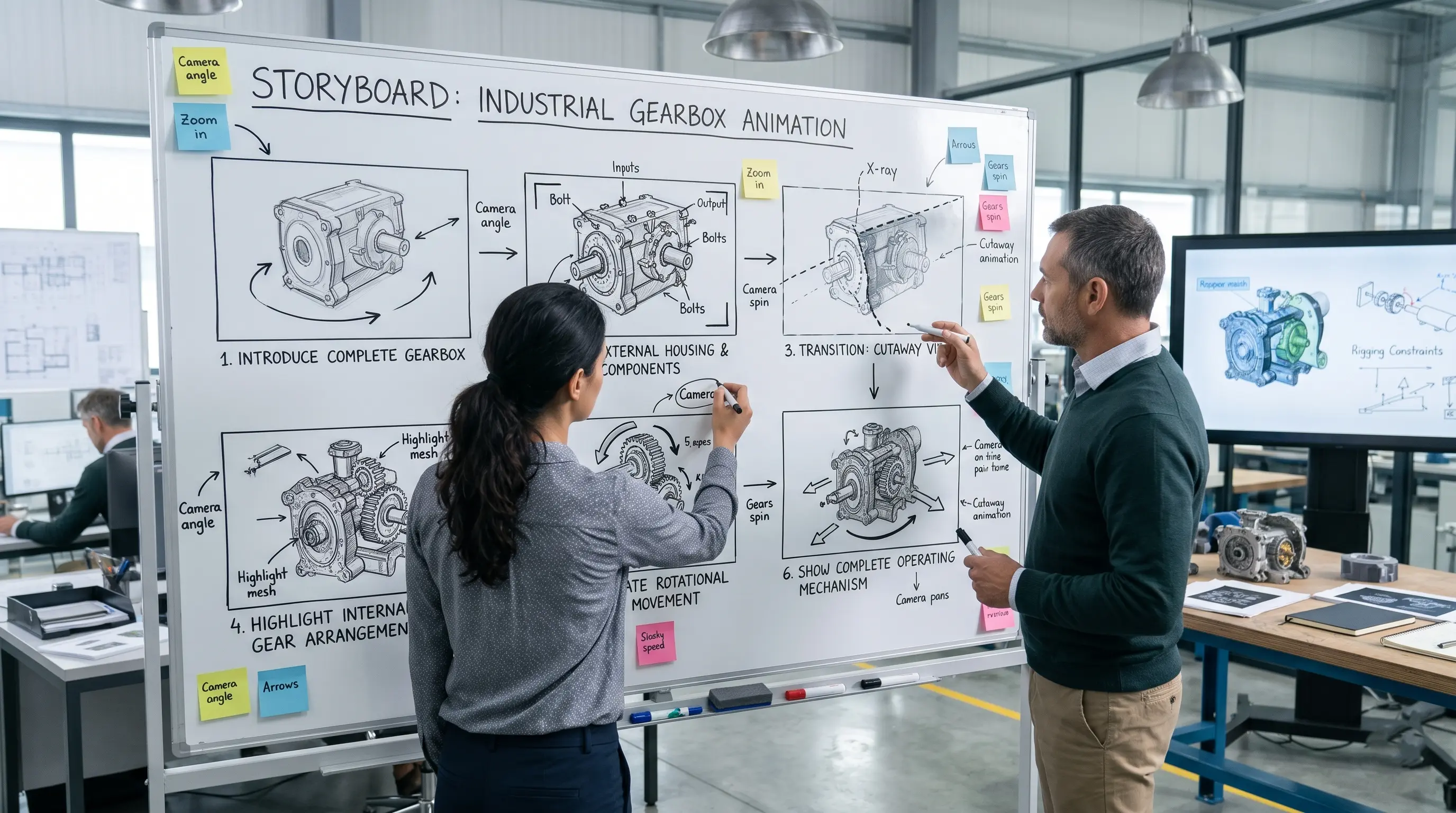
3. Visual Planning and Storyboarding
Key Activities: Define the explanation sequence, camera views, component highlights, and technical annotations
Engineering Purpose: Organize complex engineering information into a logical visual explanation
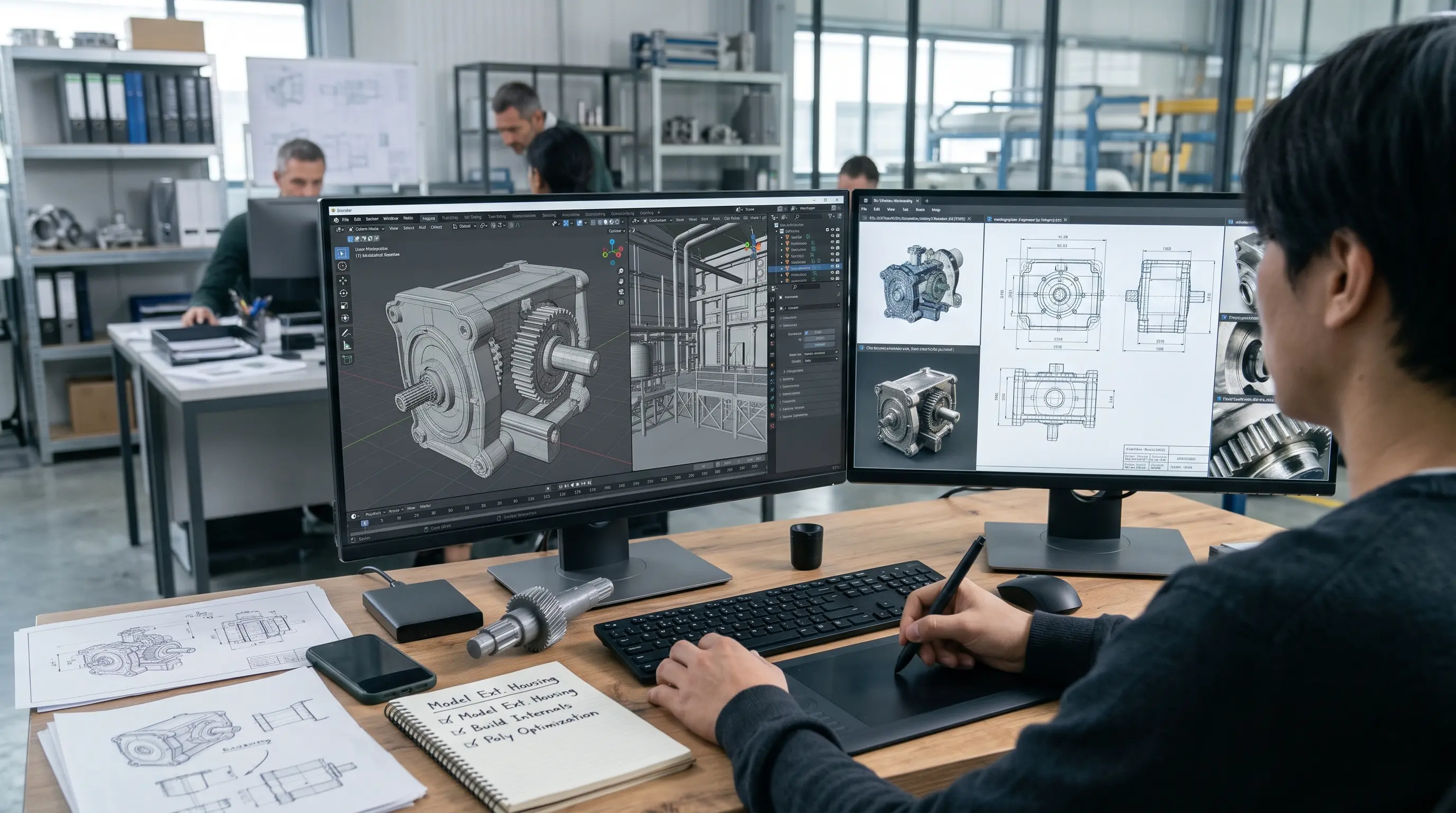
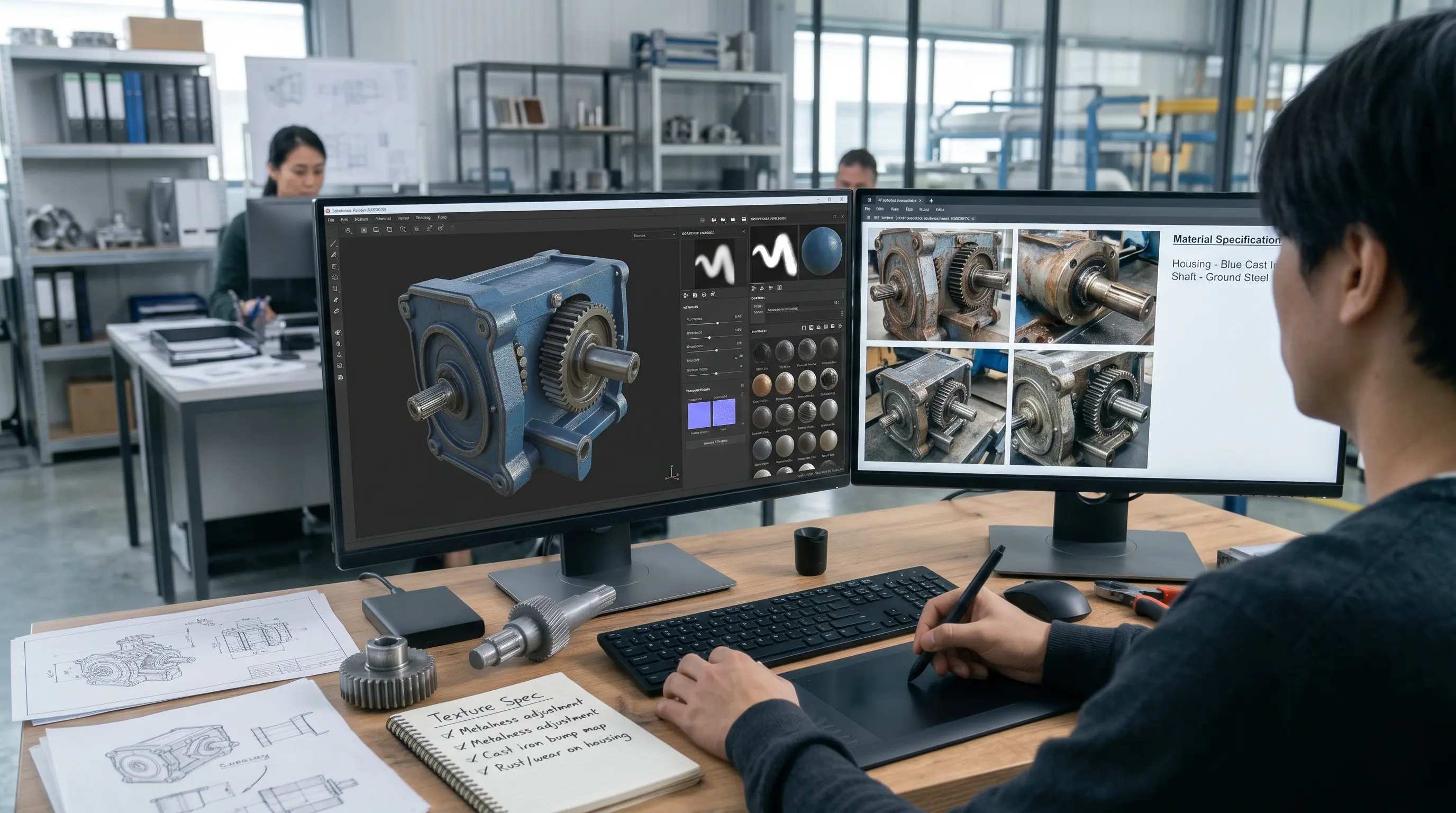
4. 3D Asset Preparation
Key Activities: Prepare CAD geometry or create required 3D models; organize components and apply suitable materials
Engineering Purpose: Establish recognizable product geometry and distinguish important mechanical components
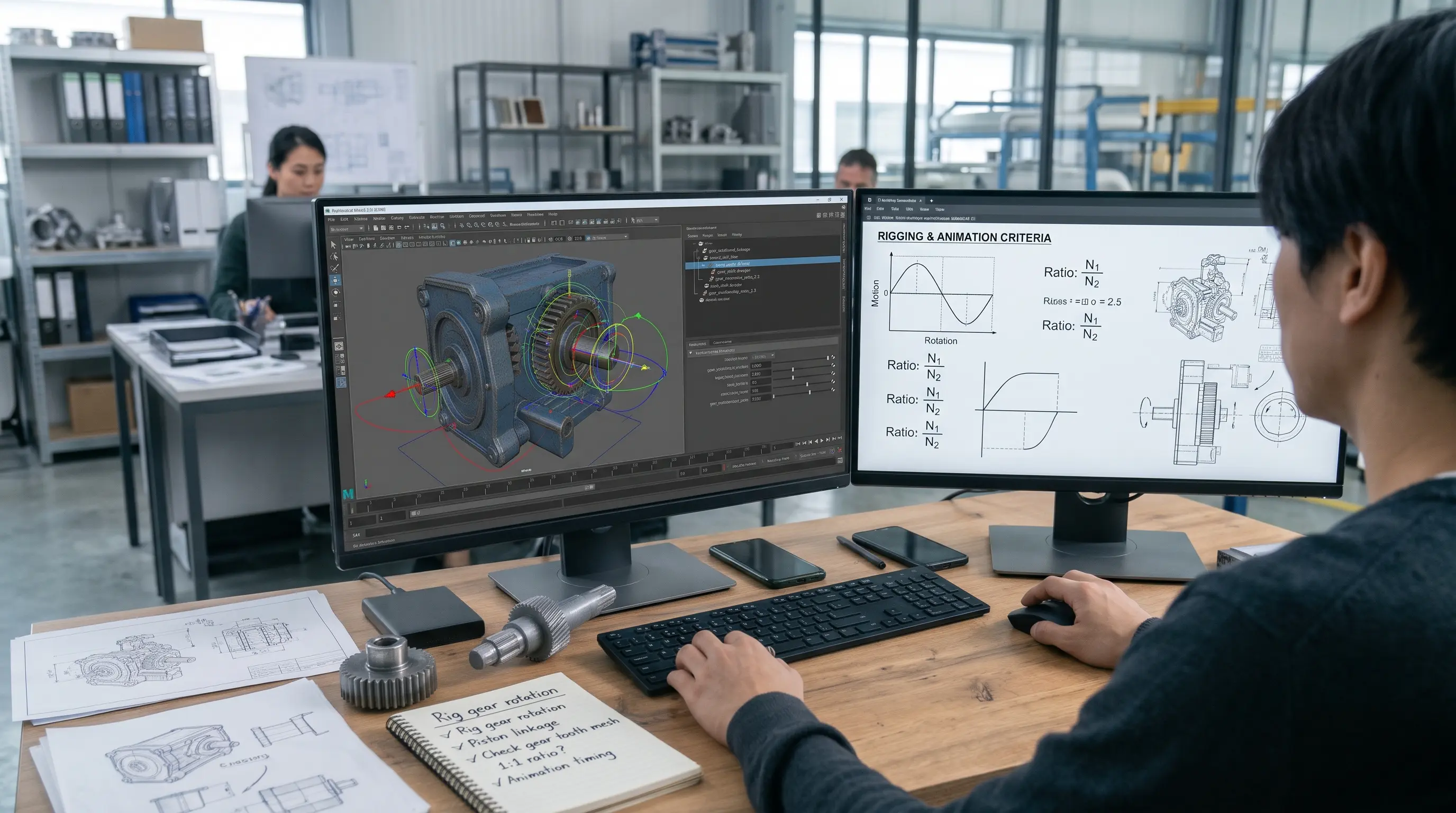
5. Mechanical Animation
Key Activities: Configure component movements, pivots, constraints, and operating sequences
Engineering Purpose: Demonstrate how mechanical parts interact and how the system is intended to operate
6. Technical Review and Validation
Key Activities: Review component positioning, movement sequences, and technical explanations against approved engineering references
Engineering Purpose: Identify visual or mechanical inaccuracies before final production
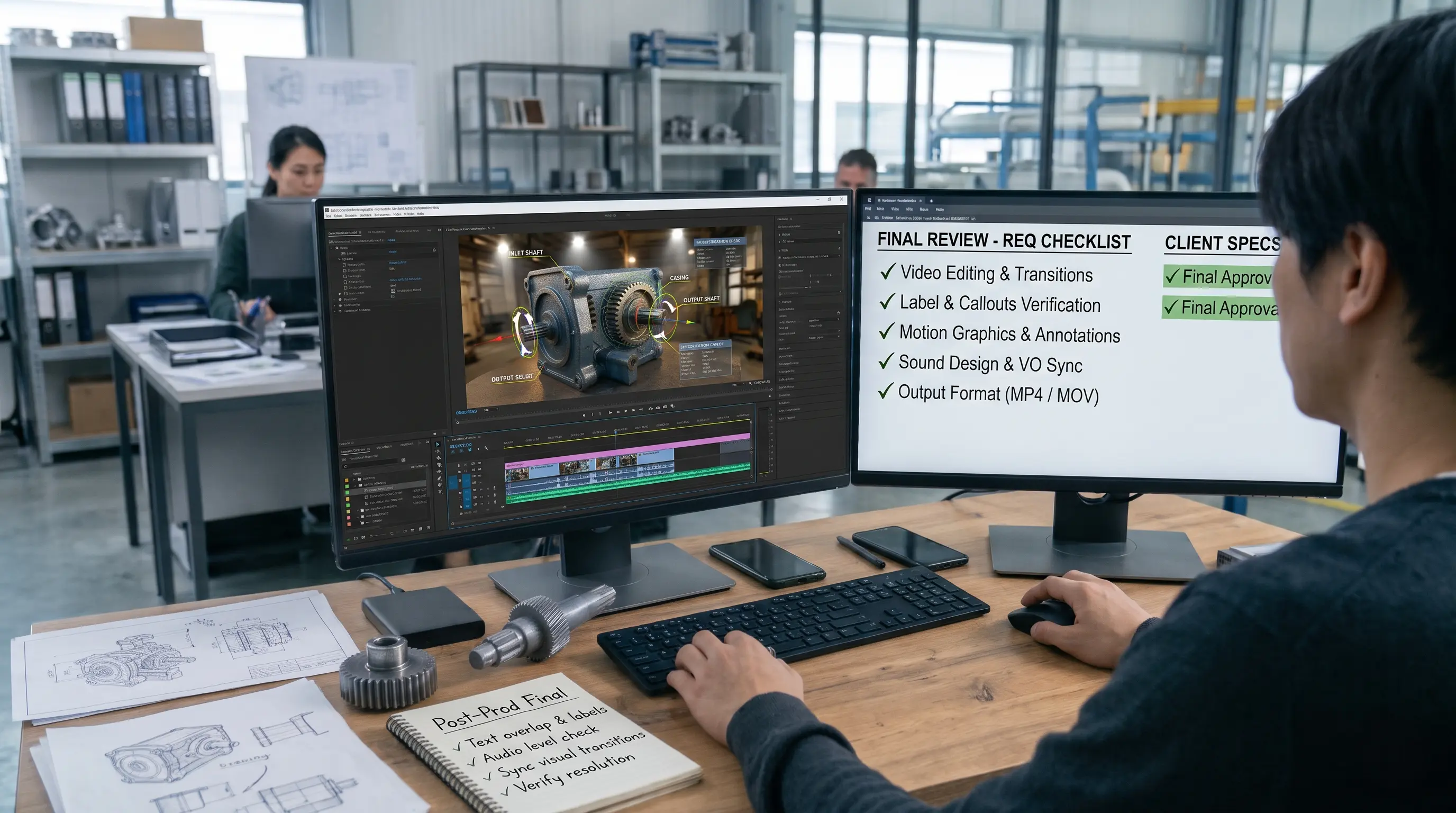
7. Rendering and Final Presentation
Key Activities: Apply lighting, render the animation, and integrate labels, narration, and supporting graphics
Engineering Purpose: Produce a clear technical demonstration suitable for its intended audience
Why Is Engineering Review Important in Technical Animation?
Engineering review helps ensure that an animation represents the intended product design and operating sequence accurately.
For example, in an industrial gearbox animation, the direction of gear rotation, shaft positioning, and movement relationships should correspond to the approved mechanical design.
The animation team may review CAD assemblies, mechanical diagrams, product documentation, and feedback from engineers or subject-matter experts to verify these details.
However, technical review is not the same as engineering simulation. An animation can accurately illustrate an approved mechanism without independently verifying its performance under real operating conditions.
The exact production workflow depends on the complexity of the machinery, availability of engineering references, required level of detail, and intended communication purpose.
What are Different Types of Technical Animation?
Technical animation is a broad category that includes several visualization formats. Each format serves a different communication purpose depending on the product, engineering concept, or industrial process being explained.
1. 3D Technical Animation
3D technical animation uses three-dimensional models and animated sequences to demonstrate the structure, functionality, and operation of products or machinery.
It allows viewers to examine objects from different angles, explore internal components, and understand how different parts interact.
Example: A 3D animation demonstrating the internal construction and working mechanism of an electric motor.
2. Mechanical Animation
Mechanical animation focuses on the movement and interaction of mechanical components.
It is commonly used to explain gears, bearings, pistons, engines, transmissions, hydraulic systems, and other mechanical assemblies.
Example: An animation showing how a crankshaft converts reciprocating piston movement into rotational motion.
3. Industrial Animation
Industrial animation visualizes industrial equipment, manufacturing processes, production facilities, and operational workflows.
It can demonstrate how machines work together, how materials move through a production line, or how automated systems perform specific operations.
Example: A 3D visualization of an automated assembly line showing robotic arms, conveyor systems, and material-handling equipment.
4. Engineering Animation
Engineering animation communicates technical designs, engineering principles, mechanical concepts, and system functionality through animated visual explanations.
It can support design presentations, engineering education, technical demonstrations, and product development communication.
Example: A visual demonstration explaining the operation of a hydraulic system and the relationship between pressure, fluid movement, and mechanical force.
5. Exploded-View Animation
An exploded-view animation separates the individual components of a product or assembly while maintaining their relative positions.
This allows viewers to understand how different parts fit together and how the complete product is constructed.
Example: An exploded-view animation of an industrial gearbox showing its housing, shafts, bearings, gears, and fasteners.
6. Cutaway Animation
A cutaway animation reveals the internal structure of an object by removing or making selected portions of its external housing transparent.
It is useful when the internal operation of a product needs to be explained without losing the context of its overall structure.
Example: A cutaway animation showing the internal components of a diesel engine, including pistons, cylinders, valves, and crankshaft.
7. Technical Explainer Animation
A technical explainer animation simplifies complex engineering subjects through structured visual storytelling.
It may combine 2D graphics, 3D models, technical diagrams, labels, and narration to explain a product, process, or engineering concept.
Example: An animated explanation of how an industrial automation system monitors and controls a manufacturing process.
What are Applications of Technical Animation in Engineering and Manufacturing?
Technical animation has applications across different stages of product development, manufacturing, engineering communication, and industrial operations.
Here are some of its most practical uses.
1. Machinery and Equipment Demonstrations
Industrial equipment often contains complex components and operating mechanisms that are difficult to explain through static photographs.
Technical animation can demonstrate the equipment's structure, operating sequence, internal mechanisms, and functionality.
Manufacturers can use these visual demonstrations for product presentations, customer education, and equipment demonstrations.
2. Mechanical System Explanations
Mechanical systems involve multiple interconnected components that work together to perform specific functions.
Mechanical engineering animation can show how these components interact through rotational movement, linear motion, pressure, force transmission, and other mechanical relationships.
For example, an animation can explain how a transmission system transfers power from an engine to a vehicle's wheels.
3. Product Design Visualization
During product development, engineering teams need to communicate design concepts and explain how different components fit together.
3D engineering visualization can present product geometry, internal structures, assembly configurations, and functional relationships.
This can help teams review design concepts and communicate product information to stakeholders.
4. Manufacturing and Assembly Processes
Manufacturing processes involve multiple stages, machines, and operational activities.
Technical process animation can demonstrate:
Component manufacturing.
Material handling.
Assembly sequences.
Production line operations.
Automated manufacturing processes.
Quality inspection procedures.
It provides a visual explanation of how different manufacturing stages connect to one another.
5. Industrial Automation
Industrial automation systems involve machines, sensors, controllers, robotic equipment, and interconnected production processes.
Industrial animation can demonstrate how automated systems operate and how different equipment performs specific tasks.
For example, a 3D animation can explain how a robotic arm picks up a component, positions it, and places it into an assembly station.
6. Engineering Design Presentations
Engineering teams frequently need to present technical designs to clients, investors, management teams, and other stakeholders.
Technical animation can transform complex CAD models and engineering concepts into structured visual presentations.
It helps explain product functionality and design intent without requiring every viewer to interpret detailed engineering drawings.
7. Equipment Installation and Maintenance
Equipment installation and maintenance often require precise sequences of actions.
Animation can demonstrate component positioning, installation procedures, inspection points, disassembly steps, and maintenance requirements.
These visual explanations can also support technical documentation and industrial training materials.
8. Technical Training and Education
Engineering and manufacturing organizations regularly need to communicate equipment operation, mechanical principles, and industrial procedures to employees.
Technical animation can support training by illustrating processes that may be difficult to demonstrate using physical equipment alone.
It can also be used by educational institutions to explain engineering concepts through visual learning materials.
9. Industrial Safety and Operational Procedures
Industrial environments involve machinery, electrical systems, hazardous materials, and operational risks.
Safety-focused technical animation can demonstrate equipment hazards, machine safety guidelines, PPE requirements, emergency procedures, and safe operating practices.
For example, an animation can show the correct sequence for isolating equipment before maintenance.
10. Product Marketing and Sales Presentations
B2B manufacturers often sell products with technical features that require detailed explanations.
Technical product animation can demonstrate internal functionality, product mechanisms, operating advantages, and design features.
Sales and marketing teams can use these animations in presentations, product launches, websites, exhibitions, and digital campaigns.
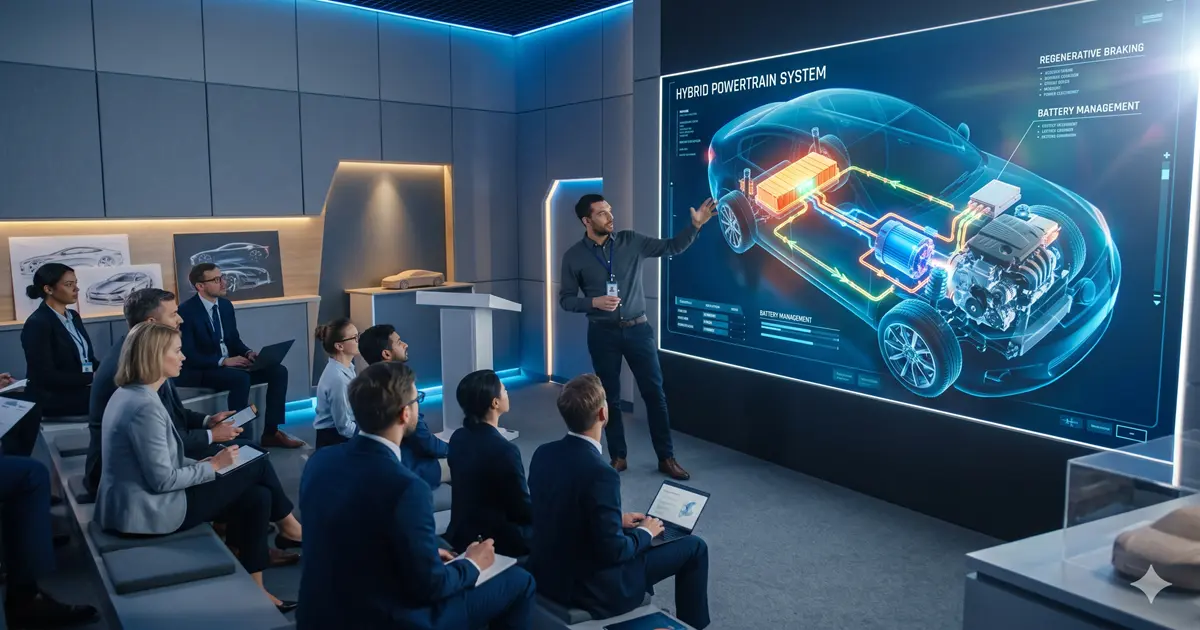
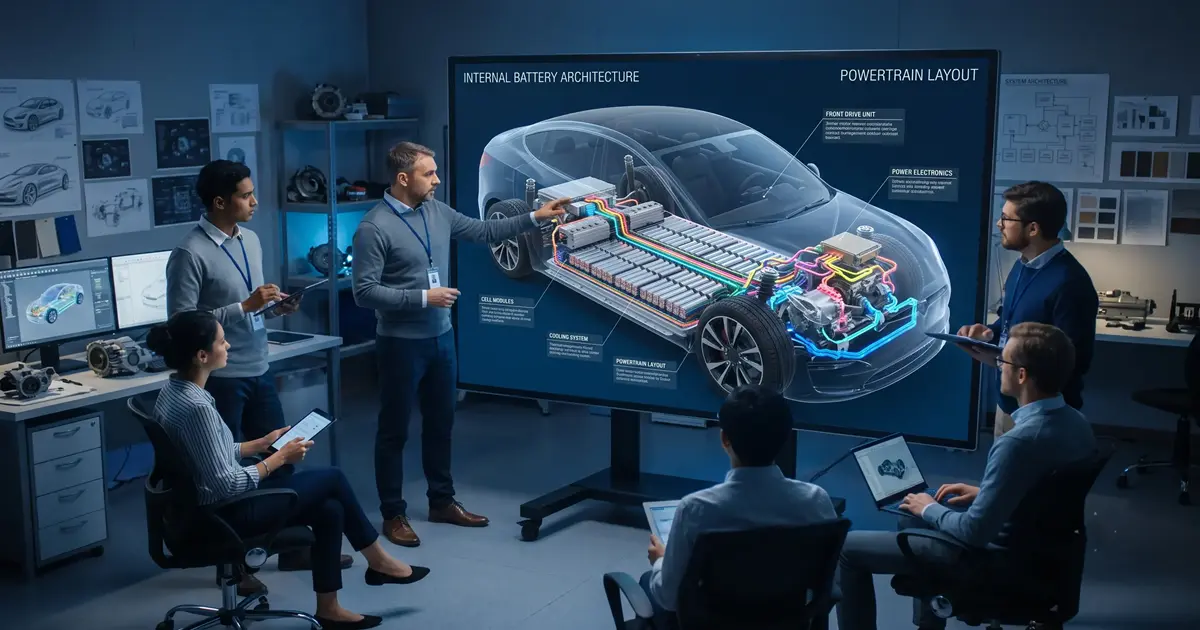
In automotive engineering, 3D animation can demonstrate the operation of engines, transmissions, electric powertrains, and other vehicle systems. These projects often involve preparing engineering CAD data and developing animated mechanical sequences. For a detailed automotive-specific production example, explore our guide to the automotive 3D animation process.
How Technical Animation Explains Complex Engineering Concepts?
One of the most important advantages of technical animation is its ability to make complex engineering information visually understandable.
Instead of expecting viewers to interpret multiple drawings, specifications, and technical documents, animation presents information through movement, spatial relationships, and visual sequences.
Several visualization techniques make this possible.
Internal Component Visualization
Many mechanical systems contain components that are hidden inside external housings.
A technical animation can reveal these internal structures using transparent materials, sectional views, or cutaway techniques.
For example, an animation of a hydraulic pump can show its internal components and explain how they interact during operation.
Mechanical Movement Demonstrations
Mechanical components often perform coordinated movements that are difficult to understand through static images.
Animation can demonstrate rotation, reciprocating motion, linear movement, and component interactions.
This is particularly useful for explaining engines, transmissions, robotic systems, and industrial machinery.
Exploded Views and Cutaways
Exploded views separate components to explain assembly and construction, while cutaways reveal internal structures without completely removing the external product.
Both techniques provide a clearer understanding of product architecture and component relationships.
Assembly Sequences
Animation can demonstrate how individual components are positioned, connected, and assembled into a complete product.
It can also highlight the order of operations and the relationship between different assembly stages.
Fluid and Energy-Flow Visualization
Some engineering processes involve movement that cannot be easily observed directly.
Technical animation can represent fluid flow, airflow, heat transfer concepts, electrical energy pathways, and other system behaviours.
These visualizations can help explain how a system operates and how its different components contribute to the overall process.
Equipment Operation Sequences
Industrial machinery often operates through a series of interconnected stages.
Animation can present these stages in sequence, showing how equipment starts, performs its function, and completes an operation.
This approach is useful for explaining machine operation procedures and industrial workflows.
Step-by-Step Process Demonstrations
Complex procedures can be divided into smaller visual stages.
Each stage can be explained individually before being connected into a complete sequence.
This makes technical animation useful for engineering demonstrations, equipment installation guides, and industrial training.
Technical Animation vs. Engineering Drawings and CAD Models
Engineering drawings, CAD models, and technical animations are different methods of communicating engineering information. Although they may represent the same product or system, each serves a distinct purpose.
Aspect | Engineering Drawings | CAD Models | Technical Animation |
|---|---|---|---|
Primary purpose | Communicate design specifications | Represent and develop product geometry | Explain functionality and operation |
Information presented | Dimensions, tolerances, materials, and technical details | Component geometry, assemblies, and design relationships | Movement, mechanical interactions, and operating sequences |
Representation | Primarily static 2D views | Digital 2D or 3D models | Time-based animated visuals |
Mechanical movement | Indicated through symbols or supporting views | May be evaluated using motion tools | Demonstrated through animated sequences |
Internal components | Sectional and detailed drawings | Internal geometry and assembly models | Cutaway and exploded-view sequences |
Common applications | Manufacturing and inspection | Product design and engineering development | Technical explanations, presentations, and training |
Engineering Drawings: Communicating Design Specifications
Engineering drawings provide the dimensions, tolerances, material information, and technical details required to define a product or component.
They are particularly important for manufacturing, inspection, and technical documentation, where precise specifications must be communicated.
CAD Models: Representing Product Geometry
Computer-Aided Design (CAD) models represent the geometry and assembly structure of engineering products.
Engineers use CAD systems to develop designs, examine component relationships, and evaluate product configurations. Depending on the software, CAD environments may also support motion analysis and engineering simulation.
Technical Animation: Explaining Functionality Through Movement
Technical animation uses time-based visual sequences to demonstrate how a product or mechanical system is intended to function.
For example, an engineering drawing can specify the dimensions of a gearbox component, while a CAD model can represent its geometry and position within the assembly.
A technical animation can demonstrate how the gears rotate, how the shafts interact, and how the mechanism operates over time.
These methods complement one another rather than replace each other. Engineering drawings communicate specifications, CAD models represent design information, and technical animation helps explain the operation and interaction of components.
What Technical Animation Can and Cannot Demonstrate?
Technical animation helps engineers and manufacturers visualize how products, machinery, and mechanical systems are designed to function. However, an animated demonstration does not automatically verify that a system will perform as shown under real operating conditions.
Understanding this distinction is important when using technical animation for engineering presentations, product development, or industrial training.
What Can Technical Animation Demonstrate?
Technical animation can visually explain several aspects of an engineering system, including:
Internal component interactions: How gears, shafts, pistons, valves, and other mechanical parts work together.
Mechanical movement: How components rotate, translate, or perform coordinated movements during operation.
Assembly and disassembly: How individual parts fit together and the intended sequence of assembly or maintenance.
Equipment operating sequences: How machinery performs specific functions during different stages of operation.
Conceptual fluid and energy flow: How fluids, airflow, or energy are intended to move through a system using visual indicators and simplified representations.
For example, a cutaway animation of an industrial centrifugal pump can reveal the impeller, casing, and internal fluid passages. Animated arrows or colour-coded flow paths can illustrate how fluid moves through the pump during operation.
These visuals help explain the pump's working principle without requiring viewers to interpret multiple engineering drawings.
What Cannot Technical Animation Verify on Its Own?
Although technical animation can illustrate engineering concepts, it does not independently validate the physical performance of a product or system.
Without supporting engineering analysis or testing, an animation cannot reliably establish:
Structural strength: Whether components can withstand specified mechanical loads or stresses.
Fluid-flow performance: Actual pressure distribution, turbulence, flow rate, or hydraulic efficiency.
Thermal behaviour: Accurate temperature distribution or heat-transfer performance.
Mechanical durability: Component wear, fatigue life, or long-term reliability.
Operational safety: Whether machinery meets applicable safety requirements or performs safely under all operating conditions.
For example, an animation showing fluid moving through a centrifugal pump does not prove that the pump will achieve a particular flow rate, pressure, or efficiency.
These performance characteristics require appropriate engineering calculations, simulation, physical testing, or other validation methods.
Technical Animation vs. Engineering Simulation
Technical animation and engineering simulation serve different purposes.
Technical animation focuses on visually explaining a system's structure, intended functionality, and operating sequence.
Engineering simulation uses mathematical or physics-based models to analyse how a system may behave under defined conditions. Examples include finite element analysis (FEA) for structural behaviour and computational fluid dynamics (CFD) for fluid-flow analysis.
Simulation results can also be animated to communicate calculated behaviour. However, those results depend on the underlying model, assumptions, boundary conditions, and validation.
For engineering and manufacturing companies, technical animation is most effective when used alongside CAD models, technical documentation, engineering analysis, and approved operating procedures.
The key distinction is that technical animation communicates how a system is intended to work, while engineering simulation helps evaluate how it may perform under specified conditions.
Technical Animation vs. Product Animation vs. Industrial Animation
Although these terms are sometimes used interchangeably, they have different primary communication objectives.
Aspect | Technical Animation | Product Animation | Industrial Animation |
|---|---|---|---|
Main focus | Technical functionality and mechanisms | Product features and functionality | Industrial equipment and processes |
Primary objective | Explain how something works | Present and demonstrate a product | Visualize industrial operations |
Typical content | Internal components, mechanical movement, system operation | Product design, features, materials, and functionality | Production lines, machinery, automation, and workflows |
Common audience | Engineers, manufacturers, technical teams | Customers, buyers, and product teams | Manufacturers, operators, and industrial stakeholders |
Example | Internal working of a gearbox | Features of a consumer electronic product | Automated manufacturing facility |
Technical Animation
Technical animation focuses on explaining engineering concepts, mechanical functionality, internal structures, and technical processes.
Its priority is technical understanding and accurate communication.
Product Animation
Product animation focuses on presenting a product's appearance, features, functionality, and design.
It is commonly used for product demonstrations, launches, advertising, and marketing presentations.
Industrial Animation
Industrial animation focuses on manufacturing operations, industrial machinery, automated systems, and production processes.
It can demonstrate how equipment and different stages of an industrial workflow operate together.
These categories can overlap. For example, an animation demonstrating the internal mechanism of an industrial machine can simultaneously be classified as technical, product, and industrial animation depending on its primary objective.
How Does Technical Animation Differ from Industry-Specific Animation?
Technical animation is defined primarily by its communication objective: explaining technical functionality, mechanisms, and processes.
Industry-specific animation, such as automotive animation, is defined by the sector and subject being visualized.
For example, an animation demonstrating how an industrial gearbox transfers rotational motion is a technical animation. An animation explaining the operation of a vehicle transmission may be both automotive animation and technical animation.
The categories are not mutually exclusive. The distinction depends on whether the content is being classified by its technical purpose, industry application, or visual presentation.
What are Benefits of Technical Animation for Engineering and Manufacturing Companies?
Engineering and manufacturing teams often need to explain machinery, mechanical systems, and industrial processes to audiences with different levels of technical knowledge. Engineering drawings and CAD models provide essential design information, but they may not always communicate how components interact during operation.
Technical animation helps bridge this communication gap by presenting engineering information through structured visual sequences.
Its practical value depends on the complexity of the subject, the accuracy of the technical references, and the information the audience needs to understand.
1. Explaining Internal Mechanisms Without Physical Disassembly
Many industrial machines contain mechanical components that cannot be observed during normal operation.
Technical animation can use cutaway views, transparency, and controlled component movements to reveal how these internal mechanisms function.
Engineering example — Industrial centrifugal pump:
A cutaway animation can reveal the impeller, shaft, casing, and fluid passages inside a centrifugal pump. It can illustrate how impeller rotation moves fluid through the pump and how the internal components contribute to its operation.
This helps engineers, equipment manufacturers, and technical teams explain the pump's working principle without physically opening the equipment.
2. Communicating Mechanical Relationships Between Components
Understanding an individual mechanical component is different from understanding how it interacts with other parts of an assembly.
Technical animation can demonstrate the relationships between connected components through coordinated movements and sequential explanations.
Engineering example — Industrial gearbox:
An animation can show how gears mounted on different shafts interact to transfer rotational motion. By highlighting individual components and their movement, the animation can explain the relationship between gear arrangement, rotational direction, and the transmission mechanism.
This provides a visual reference for discussing mechanical functionality during engineering presentations and technical explanations.
3. Presenting Assembly and Installation Sequences
Complex industrial equipment may contain numerous components that must be assembled or installed in a particular order.
Technical animation can demonstrate component positioning, assembly relationships, and installation sequences through step-by-step visuals.
Engineering example — Industrial valve assembly:
An exploded-view animation can separate the valve body, stem, sealing components, actuator, and fasteners before showing their intended assembly sequence.
Such visuals can support technical documentation, assembly explanations, and installation training when developed from approved engineering instructions.
4. Explaining Industrial Equipment Operating Sequences
Industrial equipment often performs multiple interconnected actions during a single operating cycle.
Technical animation can break these actions into individual stages and show how different mechanical and automated components work together.
Engineering example — Automated packaging machine:
An animation can demonstrate how a packaging machine receives products, positions them, performs a sealing operation, and transfers finished packages to the next station.
By presenting the operating cycle in sequence, the animation helps viewers understand the relationship between different machine functions and production stages.
5. Supporting Engineering Design Reviews and Technical Discussions
Engineering teams frequently need to explain proposed mechanisms and component interactions during product development.
CAD models can represent design geometry, while technical animation can illustrate intended movements and operating sequences.
Engineering example — Robotic material-handling system:
An animation can demonstrate the proposed movement of a robotic arm between a pickup station and a placement area.
This can help engineering teams communicate the intended operating sequence and discuss component positioning, movement paths, and system integration.
However, an illustrative animation does not independently verify collision clearance, structural performance, or operational feasibility. These require appropriate engineering analysis and validation.
6. Supporting Equipment Maintenance and Technical Training
Industrial maintenance procedures may involve internal components, restricted access areas, and multiple servicing steps.
Technical animation can visually explain the location of components and demonstrate approved maintenance procedures.
Engineering example — Industrial air compressor:
An animation can illustrate the location of filters, valves, and other serviceable components, followed by the required inspection or replacement sequence.
These visuals can supplement equipment manuals and instructor-led training by helping maintenance personnel understand component locations and procedural order.
Maintenance animations should follow manufacturer-approved instructions and must not replace required safety procedures or technical supervision.
7. Communicating Industrial System Interactions
Industrial facilities often contain interconnected equipment that performs different functions within a larger process.
Technical animation can demonstrate how individual systems interact and how materials move between different processing stages.
Engineering example — Industrial water treatment system:
An animation can illustrate how water moves through selected filtration, pumping, and treatment stages. It can identify major equipment, show the intended process sequence, and explain how different units contribute to the overall system.
This helps process engineers, plant operators, and project stakeholders understand system relationships that may be difficult to communicate through individual equipment diagrams alone.
8. Explaining Technical Product Functionality to Non-Specialist Stakeholders
Engineering products are often presented to procurement teams, project managers, and business stakeholders who may not be familiar with detailed mechanical drawings.
Technical animation can provide a structured explanation of product functionality without requiring viewers to interpret every engineering specification.
Engineering example — Industrial heat exchanger:
An animation can show the arrangement of major components and illustrate the separate flow paths of hot and cold fluids.
It can explain the basic heat-transfer principle using labels, directional indicators, and simplified visual sequences.
This supports technical discussions by making the product's operating principle easier to follow while allowing detailed specifications to remain in the supporting documentation.
The following examples are illustrative engineering scenarios used to explain potential applications; they do not represent specific completed client projects.
ALSO READ: Benefits of 3D Animation for the Automotive Industry
What Information Is Needed to Create a Technical Animation?
The quality and accuracy of a technical animation depend significantly on the information provided during production.
Although requirements differ between projects, the following materials are commonly useful.
Required Information | Purpose |
|---|---|
CAD files and 3D models | Understand product geometry and component structure |
Engineering drawings | Review dimensions, layouts, and technical details |
Product specifications | Understand materials, features, and design requirements |
Reference photographs and videos | Understand the physical appearance and operation |
Mechanical diagrams | Identify component relationships and mechanisms |
Product operation details | Understand how the equipment or system functions |
Technical scripts or documentation | Establish the information that must be communicated |
Intended audience | Determine the appropriate level of technical detail |
Communication objectives | Define the purpose and expected outcome of the animation |
Are CAD Files Necessary for Technical Animation?
CAD files are helpful but not always mandatory.
If available, CAD models can provide accurate geometric references and reduce the need to recreate product components from scratch.
However, technical animation can also be developed using engineering drawings, photographs, reference videos, product specifications, and other technical documentation.
The available information determines the modelling approach and the level of detail that can be achieved.
Which Industries Use Technical Animation?
Technical animation is relevant to industries where products, equipment, machinery, and processes require detailed visual explanations.
Some of the major industries include:
1. Automotive and Transportation
Automotive manufacturers use technical animation to explain engine mechanisms, transmission systems, electric vehicle powertrains, braking systems, and vehicle components.
It can also demonstrate how different automotive technologies function together.
2. Industrial Manufacturing
Manufacturing companies use animation to visualize production processes, assembly lines, industrial machinery, equipment functionality, and automated workflows.
3. Heavy Machinery
Manufacturers of construction equipment, mining machinery, agricultural machinery, and other heavy equipment can use technical animation to demonstrate internal mechanisms and equipment operation.
4. Aerospace and Aviation
Aerospace organizations can use engineering animation to explain aircraft components, propulsion systems, mechanical assemblies, and engineering concepts.
5. Medical Devices
Medical device manufacturers can use technical and product animation to demonstrate the construction, operation, and functionality of medical equipment and devices.
6. Energy and Power Generation
Technical animation can illustrate power generation systems, turbines, energy conversion processes, electrical equipment, and industrial energy infrastructure.
7. Electronics and Electrical Equipment
Electronics manufacturers can demonstrate internal circuitry, component arrangements, electrical connections, cooling systems, and product functionality.
8. Construction and Infrastructure
Engineering visualization can support explanations of structural systems, construction equipment, installation procedures, and infrastructure components.
9. Robotics and Industrial Automation
Robotics companies can use animation to demonstrate robotic movement, automated assembly, mechanical coordination, and equipment integration.
10. Oil, Gas, and Process Engineering
Technical animation can explain industrial processing equipment, pipelines, pumping systems, valves, and process workflows.
EXPLORE OUR INDUSTRIAL ANIMATION SERVICES
How to Choose the Right Technical Animation Partner?
Creating an accurate technical animation requires both engineering understanding and visual communication skills. For manufacturers and engineering teams, selecting the right production partner involves evaluating how effectively the team can interpret technical information and translate it into clear animated explanations.
When evaluating a technical animation partner, consider the following factors:
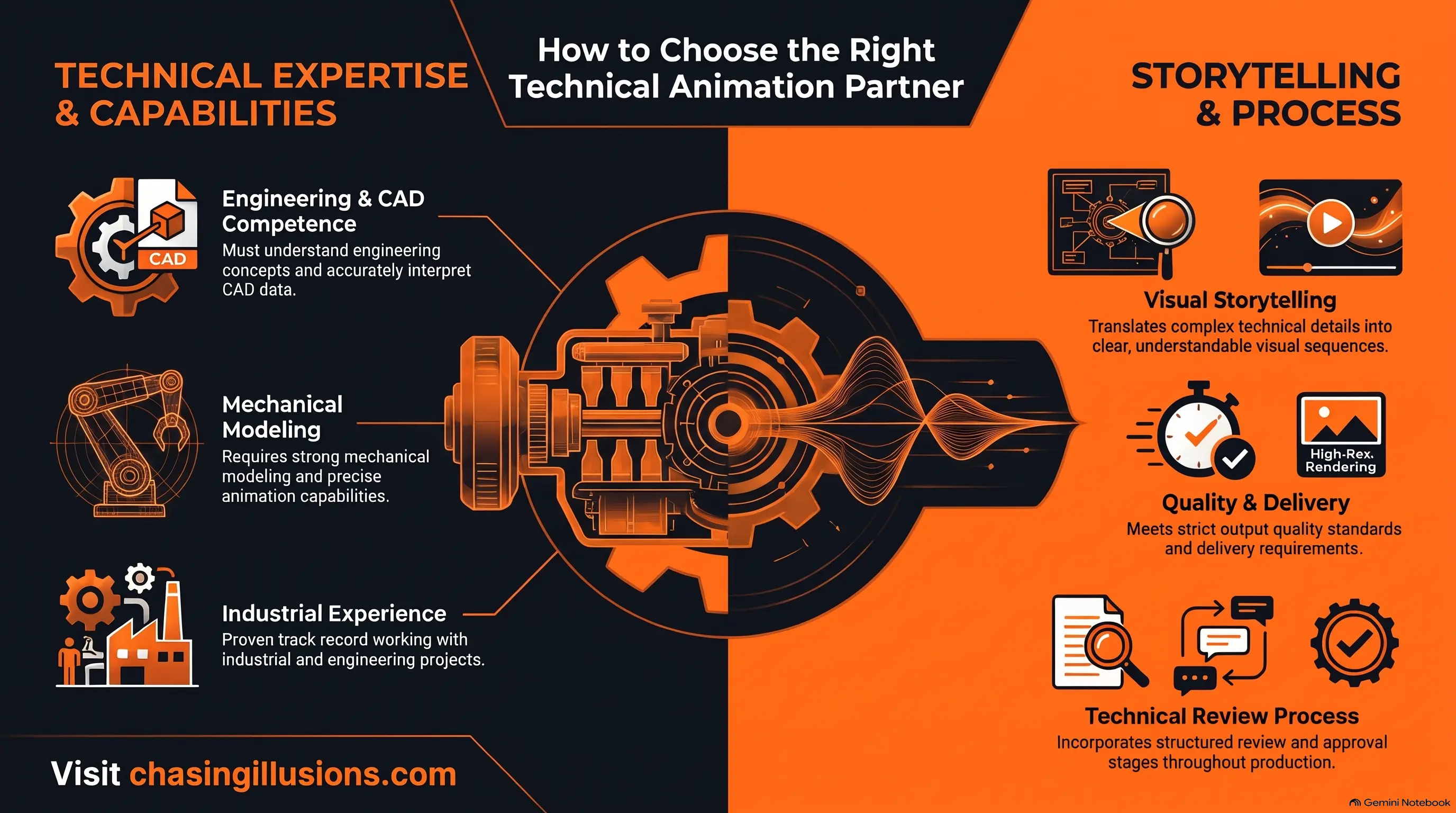
Engineering and technical understanding: Can the team interpret mechanical systems, product functionality, and industrial processes accurately?
CAD and technical reference capabilities: Can they work with engineering drawings, CAD assemblies, product specifications, and mechanical diagrams?
Mechanical animation expertise: Do they have experience creating realistic component movements, cutaway views, exploded-view sequences, and machinery demonstrations?
Technical review process: Are engineers or subject-matter experts involved in verifying component relationships, operating sequences, and technical explanations?
Relevant project experience: Does their portfolio demonstrate experience with machinery, engineering products, or industrial equipment?
Communication and delivery requirements: Can they present complex information clearly and deliver the animation in formats suitable for its intended use?
For engineering and manufacturing businesses looking for technical visualization support, Chasing Illusions Studio provides 3D technical, mechanical, industrial, and product animation capabilities to communicate complex products and processes through visual storytelling.
Frequently Asked Questions About Technical Animation
What is the difference between technical animation and 3D animation?
3D animation is a method of creating moving visuals using three-dimensional digital models. Technical animation focuses on explaining engineering concepts, mechanical functions, and industrial processes. It often uses 3D techniques, but can also incorporate 2D diagrams and motion graphics.
How is technical animation different from engineering visualization?
Engineering visualization includes CAD models, technical diagrams, simulations, renders, and animations. Technical animation specifically uses time-based visuals to explain movement, assembly, operation, and component interactions.
Can technical animation be created from CAD files?
Yes. CAD files can provide product geometry and assembly references for technical animation. Models may require conversion, simplification, material preparation, and animation controls before they can be used in the production workflow.
What is the difference between mechanical animation and technical animation?
Mechanical animation focuses on the movement and interaction of components such as gears, pistons, shafts, and valves. Technical animation is broader, covering mechanical systems as well as equipment operation, engineering concepts, and industrial processes.
Is technical animation the same as engineering simulation?
No. Technical animation illustrates how a system is intended to work, while engineering simulation uses mathematical or physics-based models to analyse behaviour under defined conditions. An animation should not be treated as validated simulation evidence unless its results are supported by appropriate engineering analysis.
Can technical animation show machinery before it is manufactured?
Yes. Engineering drawings, CAD models, and approved specifications can be used to create an animation before physical equipment is available. Such visuals can demonstrate proposed functionality, but unverified behaviour should be identified as conceptual.
Conclusion:
Explaining complex engineering systems is not always straightforward. Technical drawings, CAD models, and product photographs provide valuable information, but they may not communicate how every component interacts or how an entire system operates.
Technical animation bridges this communication gap by transforming engineering information into structured visual demonstrations.
From mechanical component movements and product assembly to industrial automation and manufacturing processes, it helps engineering and manufacturing companies explain technical information in a more accessible format.
Whether you need to demonstrate a machine's internal mechanism, explain a product's functionality, or visualize an industrial process, the right technical animation approach can make complex information easier to understand.
If your business needs to communicate complex engineering concepts, machinery functionality, or industrial processes through accurate 3D visuals, Chasing Illusions Studio can help translate your technical requirements into engaging visual explanations.
Explore our Automotive and Technical Animation Services to learn more about our technical visualization capabilities.
Chasing Illusions Studio
Premium animation & video production studio based in Delhi, India. Specialising in 3D animation, medical visualisation, architectural walkthroughs, and CGI.