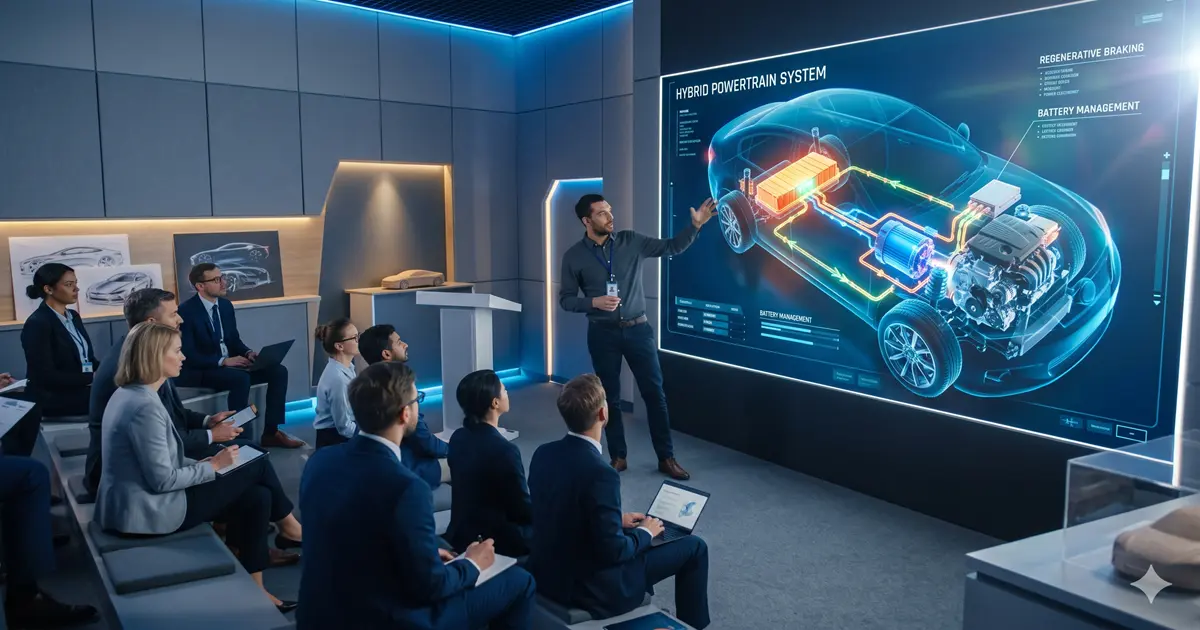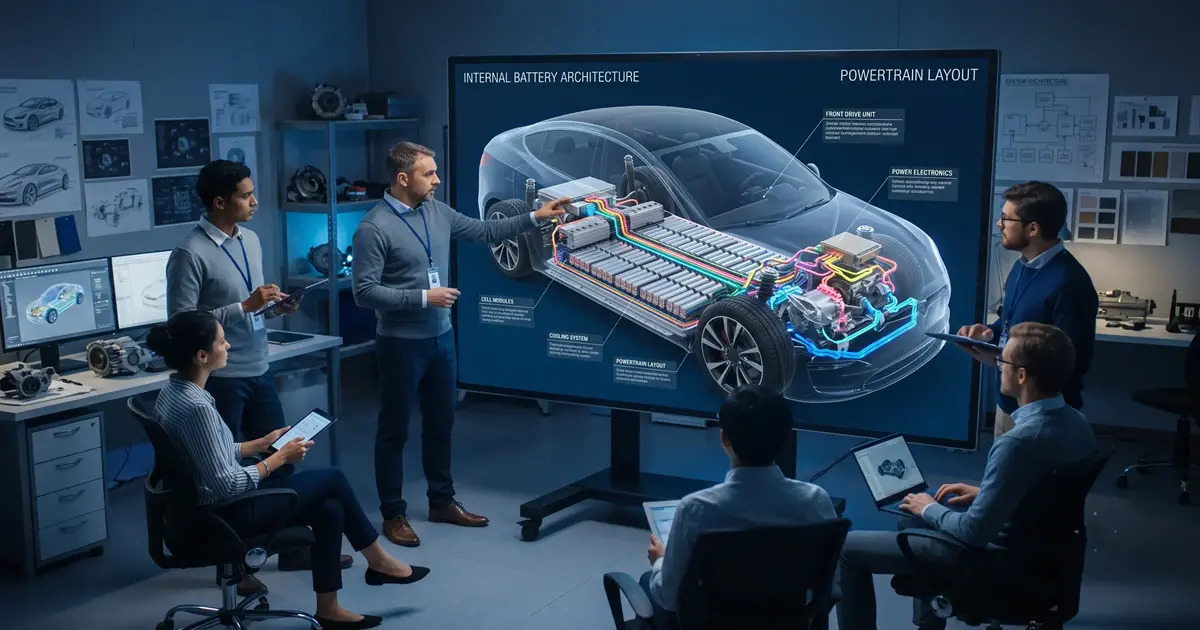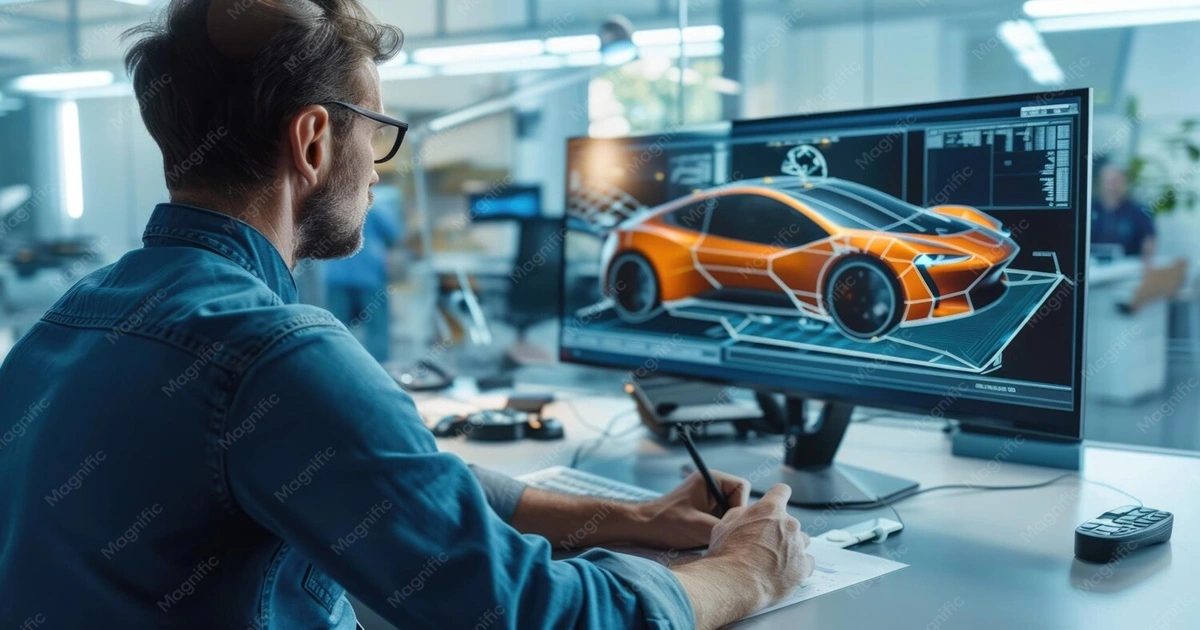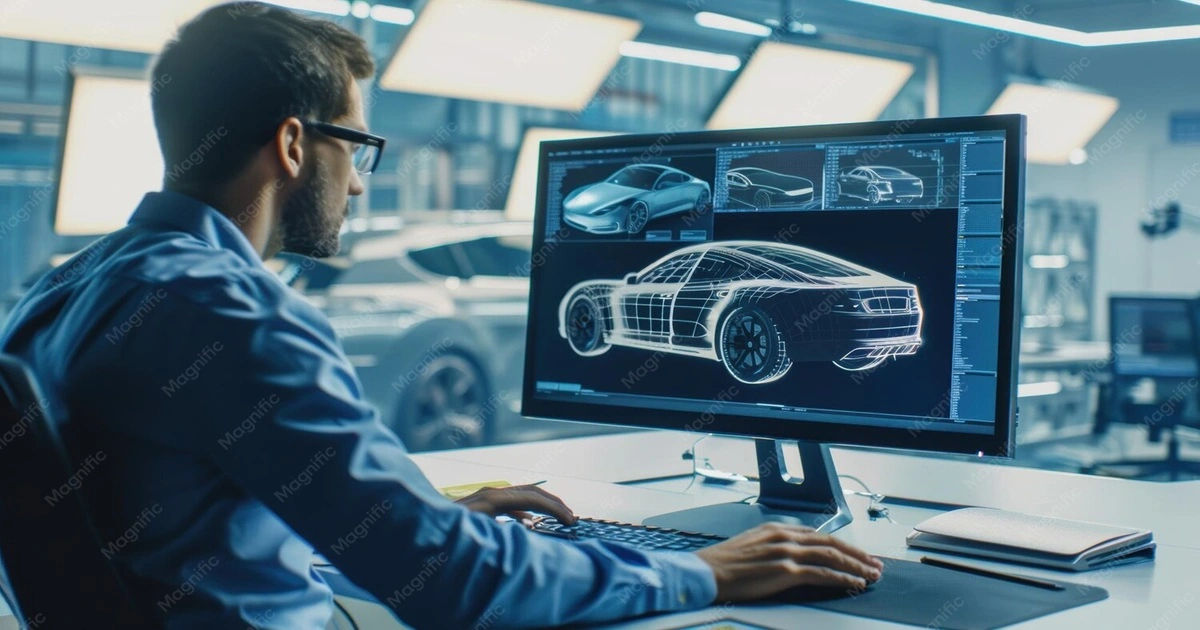
A vehicle can be engineered with thousands of components, but explaining how those components look, move, interact, or work together is not always easy with photographs or engineering drawings alone. This is where automotive 3D animation becomes useful.
The automotive 3D animation process transforms CAD files, engineering drawings, technical references, photographs, and product information into a structured 3D visualization that can show vehicle design, mechanical operation, assembly, movement, and technical concepts.
In a typical production pipeline, the process moves through CAD and reference collection → technical review → 3D modelling → texturing → rigging → animation → lighting → rendering → post-production → final delivery. The exact workflow varies according to whether the animation is being created for vehicle marketing, technical communication, engineering visualization, training, product demonstration, or advertising.
What Is the Automotive 3D Animation Process?
The automotive 3D animation process is basically the production workflow that turns automotive design and engineering information into an animated 3D visualization.
Usually, production might start with CAD data, existing 3D models, engineering drawings, product specs, photos, technical documentation, or other reference materials. These inputs are interpreted and then converted into production-ready 3D assets. After that, materials and surface details are created, components get rigged for controlled movement, and animation sequences are developed.
Once the animation is done, the scene is ready for lighting and rendering. The resulting frames can then be refined through compositing, color correction, visual effects, motion graphics, and sound sync before final delivery.
What is Automotive 3D Animation Production Workflow?
A typical 3D automotive animation workflow includes several stages starting from raw data files collection to final animation. Let's follow each Automotive Visualization Process step by step:
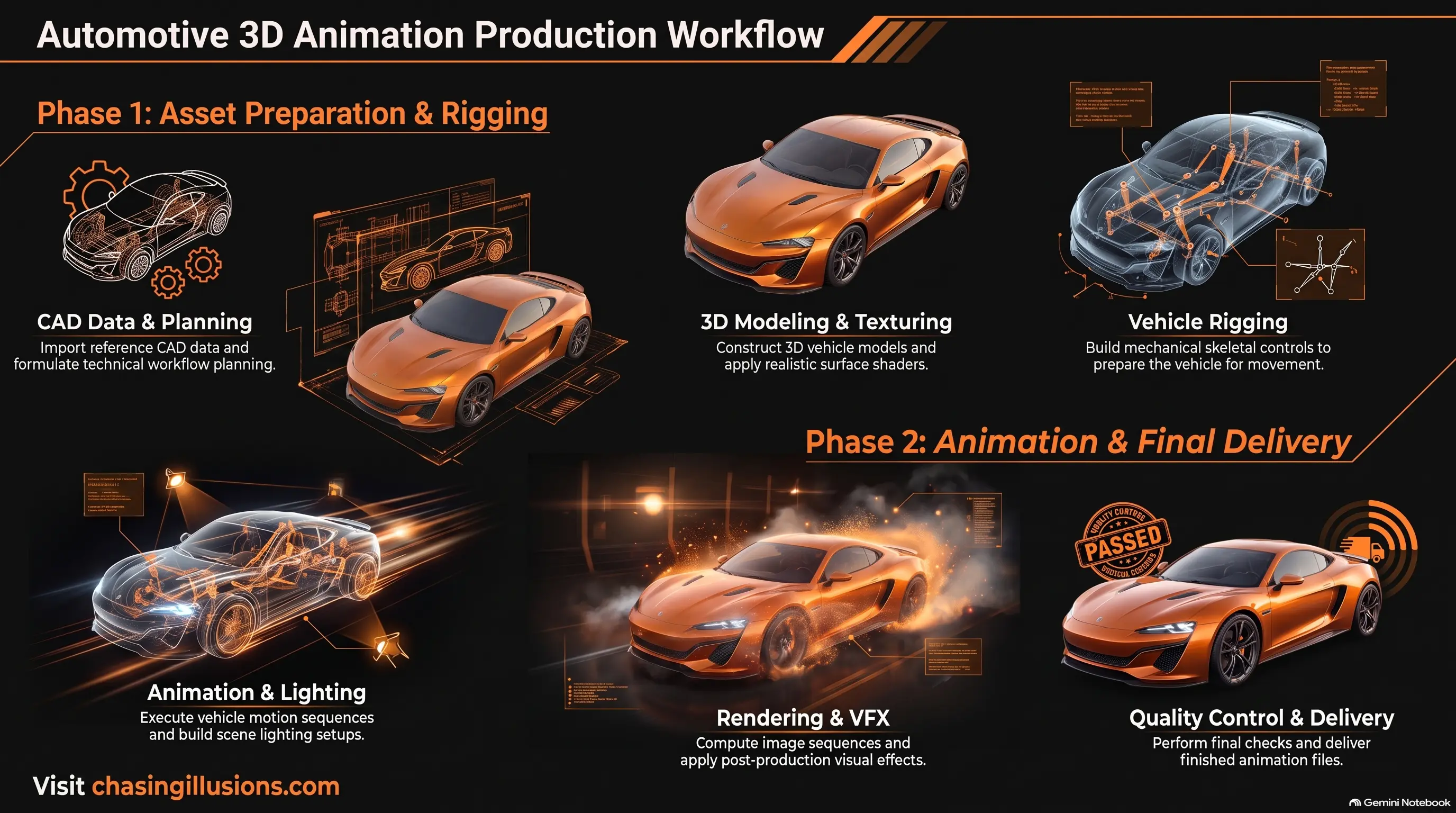
CAD and reference data
Technical review and planning
Automotive 3D modelling
Texturing and material creation
Vehicle and mechanical rigging
Automotive animation
Lighting and scene setup
Rendering
Post-production and VFX
Quality control and final delivery
Each stage contributes to the final result. Problems in an early stage can affect later stages, which is why technical review and quality control are important parts of the workflow.
Step 1 — CAD and Reference Data
The first stage of the automotive animation process is gathering and organizing the information needed to build the digital asset.
Depending on the project, the production team may receive:
CAD files
CAD data
Engineering drawings
Product specifications
Existing 3D models
Photographs
Technical documentation
Reference videos
Material references
Automotive design data
CAD information can provide valuable information about vehicle geometry and components. However, the available data may not always be immediately suitable for animation. It may require interpretation, cleanup, optimization, or conversion before it can become part of a production-ready 3D asset.
The quality and completeness of the source information therefore matter from the beginning. Missing dimensions, unclear component relationships, incomplete references, or outdated design information can create problems later in the production pipeline.
Step 2 — Technical Review and Planning
Before detailed 3D production begins, the available technical information is reviewed.
The team needs to understand what is being represented and what the animation needs to communicate. This can include:
Product geometry
Mechanical components
Moving parts
Required technical details
Animation requirements
Camera views
Accuracy requirements
Intended audience
Required output format
This stage is particularly important for technical animation.
For example, a marketing animation may prioritize exterior design, visual appeal, camera movement, and cinematic presentation. A mechanical animation may instead need to demonstrate how a suspension system moves, how components interact, or how an assembly is constructed.
Therefore, the automotive animation workflow should be planned around the communication objective rather than visual effects alone.
Step 3 — Automotive 3D Modelling
Once the technical information has been reviewed, CAD and reference information can be translated into production-ready 3D assets.
This stage is commonly referred to as the automotive 3D modelling process.
Depending on the project, modelling can involve:
Vehicle body modelling
Component modelling
Interior modelling
Mechanical component modelling
Geometry optimization
Model cleanup
Detail refinement
Production-ready asset creation
The level of detail depends on how the model will be used.
A vehicle shown in a wide exterior shot may not require the same level of geometry as a close-up of a brake system, battery module, engine component, or interior mechanism.
The goal is therefore not necessarily to maximize polygon count. Instead, the model needs an appropriate balance between geometric accuracy, visual detail, production efficiency, and intended camera distance.
For technical visualization, the relationship between components is particularly important. Components that need to move, separate, interact, or be shown in an exploded view must be structured appropriately for later animation.
Step 4 — Texturing and Material Creation
A detailed 3D model provides the geometry, but geometry alone does not determine how a vehicle looks.
The next stage is texturing and material creation.
Automotive projects may require digital materials representing:
Automotive paint
Glass
Chrome
Metal
Rubber
Leather
Plastic
Carbon fiber
Materials define how surfaces respond to light. Properties such as reflectivity, roughness, transparency, metallic behavior, and surface texture can significantly affect the final appearance.
For example, automotive paint may require a different material treatment from rubber tires or brushed metal components. Glass needs to interact with light differently from opaque plastic, while chrome surfaces can produce strong reflections.
This means realistic automotive visualization depends on the interaction between geometry, material properties, textures, lighting, and camera position.
Step 5 — Rigging the Vehicle and Mechanical Components
Rigging establishes controllable relationships between components so that they can move accurately during animation.
In a vehicle project, rigging may be required for:
Wheel rotation
Steering
Suspension movement
Doors and panels
Engine components
Mechanical assemblies
Other interconnected parts
For example, a wheel should rotate correctly around its appropriate axis. Steering movement may need to affect the wheel orientation, while suspension components may need to move according to defined relationships.
Mechanical rigging becomes particularly important when the animation is intended to explain how a system operates.
Instead of manually moving every component frame by frame, a properly designed rig can provide controlled and repeatable movement.
This is one of the major differences between simply displaying a 3D model and creating an informative 3D vehicle animation process.
Step 6 — Automotive Animation
After the assets and rigs are prepared, movement and camera sequences can be created.
The type of animation depends heavily on what the viewer needs to understand.
Common automotive animation applications include:
Vehicle movement
Product demonstrations
Mechanical operation
Exploded views
Cutaway sequences
Assembly demonstrations
Component interaction
Camera movements
An exterior vehicle animation might show a car driving through an environment while emphasizing its design.
A technical animation might separate components in an exploded view to reveal how a system is assembled.
A training animation might demonstrate a mechanical procedure step by step.
The important point is that animation decisions should support the communication objective. Camera movement, object movement, timing, and sequencing should make the intended information easier to understand rather than simply adding visual effects.
Step 7 — Lighting and Scene Setup
Lighting determines how the completed 3D scene is visually presented.
In automotive animation, lighting can influence:
Vehicle form
Surface reflections
Material appearance
Mechanical details
Visual hierarchy
Mood
Presentation quality
A cinematic automotive advertisement may use dramatic lighting and carefully controlled reflections to emphasize the vehicle's exterior design.
A technical visualization may require a more controlled setup so that components, surfaces, and mechanical relationships remain easy to see.
Lighting therefore needs to match the purpose of the animation.
A technically accurate model can still appear unclear if the lighting hides important details or produces distracting reflections.
Step 8 — Rendering the Automotive Animation
Rendering is the stage where the completed 3D scene is processed into individual frames that can be assembled into the final animation.
The automotive 3D rendering process can involve calculations related to:
Lighting
Materials
Reflections
Shadows
Camera views
Motion
Scene complexity
Render quality
Output resolution
The render engine and production settings influence both visual quality and processing requirements.
Higher resolution and more complex lighting, reflections, materials, and effects can increase rendering demands.
The required output also matters. A project intended for a large exhibition display may have different resolution requirements from one designed for a website or social media platform.
Rendering is therefore not an isolated final button-click. It needs to be considered as part of the broader production pipeline.
Step 9 — Post-Production and VFX
Rendered frames are often refined further during post-production.
This stage may include:
Compositing
Color correction
Color grading
VFX
Background integration
Motion graphics
Sound synchronization
Titles
Technical callouts
Post-production can help integrate multiple visual elements and create a consistent final presentation.
For example, technical callouts can identify components, while motion graphics can help communicate measurements, processes, or sequences.
Color correction and grading can also help maintain visual consistency across different shots.
Sound synchronization may be particularly useful for marketing films, training content, demonstrations, and other presentations where audio contributes to the communication experience.
Step 10 — Quality Control and Final Delivery
Before the animation is delivered, the completed sequence should go through quality control.
The final review may examine:
Technical accuracy
Animation consistency
Visual quality
Rendering errors
Timing
Audio synchronization
Resolution
File format
Platform requirements
This stage helps identify problems that may not have been obvious during individual production stages.
For example, a rendering error might only become visible after a complete sequence has been processed. A mechanical movement may also require correction if it does not match the intended technical reference.
Final delivery requirements depend on where the animation will be used.
Possible destinations include:
Company websites
Presentations
Training platforms
Social media
Advertising campaigns
Exhibitions
Internal engineering communication
Product demonstrations
The final output therefore needs to match the technical and platform requirements of its intended use.
How CAD Becomes a Finished Automotive Animation?
At a high level, the transformation can be understood as:
CAD/reference → technical interpretation → 3D asset → materials → rig → movement → lighting → rendered frames → post-production → final animation
CAD data provides the starting technical information for any automotive 3D animation project. From there, the production team interprets that data, develops the required 3D assets, applies materials, establishes component relationships through rigging, and creates the required movement.
Once the animation is complete, the scene is lit and rendered into frames. Those frames can then be refined through post-production before the final animation is delivered.
This pipeline is exactly why automotive animation requires more than simply importing a CAD file and pressing render. It's a full production process that combines engineering accuracy with creative execution.
How Long Does Automotive 3D Animation Project Take?
How long does an automotive 3D animation project take? There's no single answer — because the timeline depends heavily on what the project actually requires.
The duration can depend on factors such as:
Complexity of the vehicle
Availability and quality of CAD data
Number of components
Level of technical detail
Animation complexity
Number of shots
Rendering requirements
Revision rounds
Final output requirements
A short product demonstration involving a prepared 3D asset can have very different requirements from a detailed technical animation showing multiple mechanical assemblies.
Projects with complex components, high-detail modelling, extensive mechanical animation, multiple camera sequences, or high-resolution rendering generally require more production work.
For this reason, an accurate production estimate should be based on the actual project scope rather than an arbitrary standard timeline.
What Affects the Quality of Automotive 3D Animation?
The final quality of automotive animation is the result of the entire production pipeline.
Important factors include:
Source CAD and Reference Quality
Accurate and complete technical information gives the production team a much stronger foundation for modelling and visualization.Modelling Accuracy
The 3D model needs to represent the required geometry at an appropriate level of detail for the project.Material Quality
Realistic materials help communicate the differences between paint, metal, glass, rubber, plastic, leather, and other surfaces.Rigging
Proper rigging allows mechanical components and vehicle systems to move in a controlled and technically appropriate way.Animation Direction
Movement, timing, camera angles, and sequencing should all support the communication objective.Lighting
Lighting determines how form, materials, reflections, and mechanical details appear in the final scene.Rendering
Rendering converts the digital scene into usable frames while balancing visual quality against computational requirements.Post-Production
Compositing, color grading, VFX, motion graphics, and audio synchronization can all refine the final presentation.Technical Review and Quality Control
Review processes help ensure the animation stays consistent with the available technical information and project requirements.
In other words, a high-quality final animation is not produced by one stage alone. It is the result of a coordinated workflow.
Why the Automotive 3D Animation Process Matters?
Automotive products often contain information that is difficult to communicate through static images alone.
A 3D animation can visually demonstrate:
How a component moves
How parts interact
How an assembly is constructed
How a mechanism operates
How a vehicle is designed
How a technical process works
How a product should be used or understood
This makes automotive 3D animation useful across marketing, product communication, engineering visualization, training, manufacturing, and technical communication.
The appropriate production workflow depends on the objective. A cinematic vehicle launch animation, an EV battery demonstration, an engineering visualization, and a mechanical training animation may all use 3D production but require different levels of modelling, rigging, animation, lighting, and post-production.
ALSO READ: Business Benefits of Automotive 3D Animation
Frequently Asked Questions:
1. What CAD file formats are commonly used for automotive 3D animation?
Common automotive production workflows may receive engineering data in formats such as STEP, IGES, SolidWorks files, STL, OBJ, or FBX, depending on how the vehicle or component was designed and how the data will be transferred into the animation pipeline. The important factor is not simply the file extension but whether the geometry, assembly structure, materials, and required component information can be interpreted correctly by the production workflow. A technical review is normally performed before the asset is prepared for animation.
2. What software is used to create automotive 3D animations?
Automotive 3D animation can involve several types of software rather than one universal application. A production pipeline may use CAD or engineering software for source data, 3D applications such as Autodesk 3ds Max, Maya, or Blender for modelling and animation, dedicated rendering tools for final frames, and compositing or editing software for post-production. The software combination depends on the asset type, technical requirements, rendering method, and final output rather than on the automotive industry alone.
3. Why does CAD data need to be optimized before it is used for 3D animation?
CAD data is primarily created for engineering and manufacturing purposes, whereas an animation requires geometry that can be efficiently handled by a 3D production and rendering pipeline. Complex CAD assemblies may contain extremely detailed surfaces, unnecessary geometry, or structures that are not optimized for visual production. Optimization can therefore involve cleaning geometry, simplifying unsuitable elements, organizing components, and preparing the model for materials, rigging, animation, and rendering while preserving the required visual and technical information.
4. How is a preview reviewed before the final automotive animation is rendered?
Professional automotive animation workflows commonly use intermediate reviews rather than waiting until the entire project is fully rendered. Early previews can be used to check elements such as camera composition, object movement, timing, scene layout, and the overall sequence before expensive final rendering begins. This allows technical or creative changes to be identified earlier, when they are generally easier to incorporate than changes discovered after final frames have already been rendered.
5. How is large-scale automotive 3D animation rendered efficiently?
Large automotive scenes can require substantial computing resources, particularly when they contain detailed vehicle models, complex materials, reflections, lighting, high resolutions, and multiple shots. Production teams may use optimized scene settings, GPU or CPU rendering, render farms, or distributed rendering workflows to process frames more efficiently. The appropriate approach depends on the complexity of the scene, required resolution, render engine, deadline, and number of frames that need to be generated.
Final Takeaway:
The automotive 3D animation process is a structured pipeline that transforms technical information into an understandable and visually engaging digital experience.
The complete workflow can be summarized as:
CAD/reference → technical review → modelling → texturing → rigging → animation → lighting → rendering → post-production → quality control → final delivery.
Each stage in the automotive 3D animation pipeline has a specific purpose. CAD and technical references establish the foundation; modelling creates the digital asset; materials establish surface appearance; rigging enables controlled movement; animation communicates the required process; lighting and rendering create the visual output; and post-production prepares the final presentation.
Ultimately, automotive 3D animation is not simply about making a vehicle look realistic. It combines engineering information, 3D asset creation, mechanical understanding, animation, rendering, and visual communication to explain automotive products and processes clearly.
CONTACT NOW
If you are evaluating an automotive visualization project, understanding this workflow can help you define the required technical inputs, production scope, level of detail, animation requirements, and final deliverables. For projects that require professional automotive and technical animation production, you can also explore Chasing Illusions Studio's automotive and technical animation capabilities.
Chasing Illusions Studio
Premium animation & video production studio based in Delhi, India. Specialising in 3D animation, medical visualisation, architectural walkthroughs, and CGI.